

















Table of Contents
- 1. Key Takeaways
- 2. Why You Need to Activate Your BOB Credit Card
- 3. Method 1: Activate via BOBCARD Mobile App (Recommended)
- 4. Method 2: Activate via Customer Portal (Online)
- 5. Method 3: Activate via IVR Helpline (Call)
- 6. Method 4: Activate via WhatsApp
- 7. SMS Services for BOBCARD (Not for Activation, But Useful)
- 8. First-Time Setup Checklist After Activation
- 9. Troubleshooting Common Activation Issues
- 10. Frequently Asked Questions
How to Activate BOB Credit Card: Online, SMS, Call & App Methods
Key Takeaways
- There are 4 ways to activate a BOBCARD: via the BOBCARD Mobile App, Customer Portal (online), IVR helpline, and WhatsApp.
- PIN generation is a mandatory step after card activation.
- Activation is linked to your registered mobile number - ensure it is updated before you start.
- SMS can be used for balance queries and card blocking but is not an activation channel.
- Customer care toll-free: 1800 103 1006 / 1800 225 100.
Why You Need to Activate Your BOB Credit Card
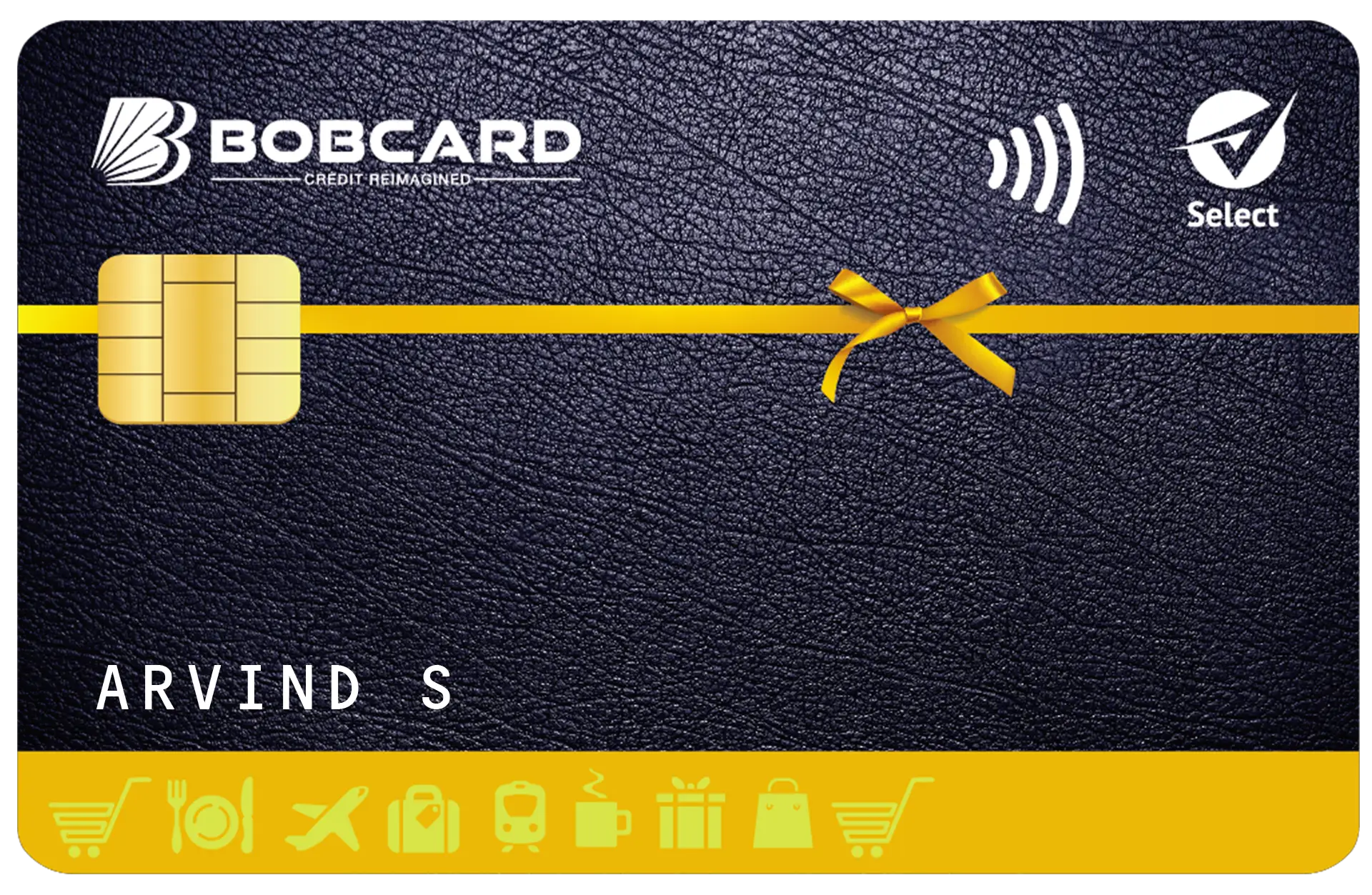
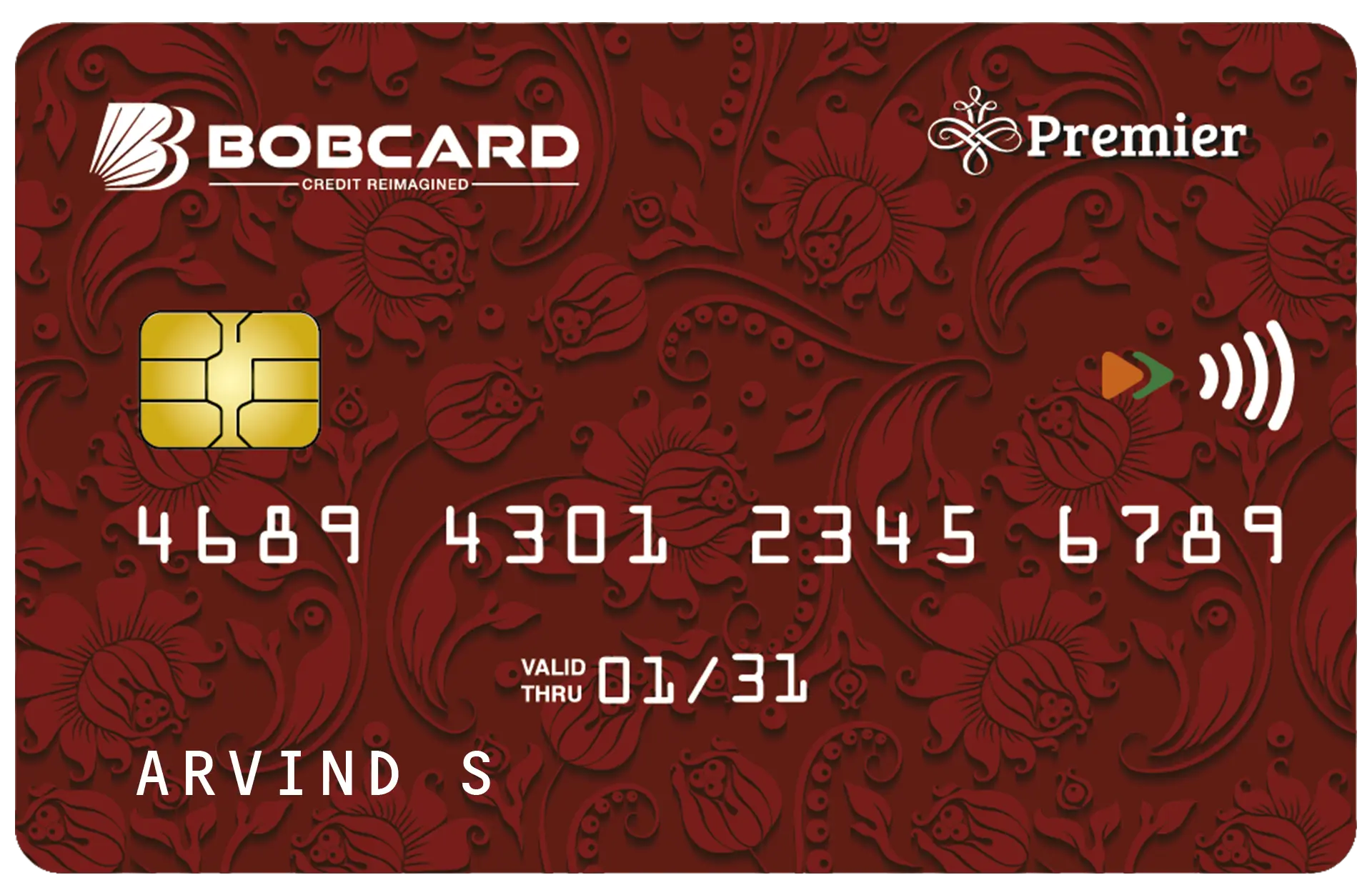
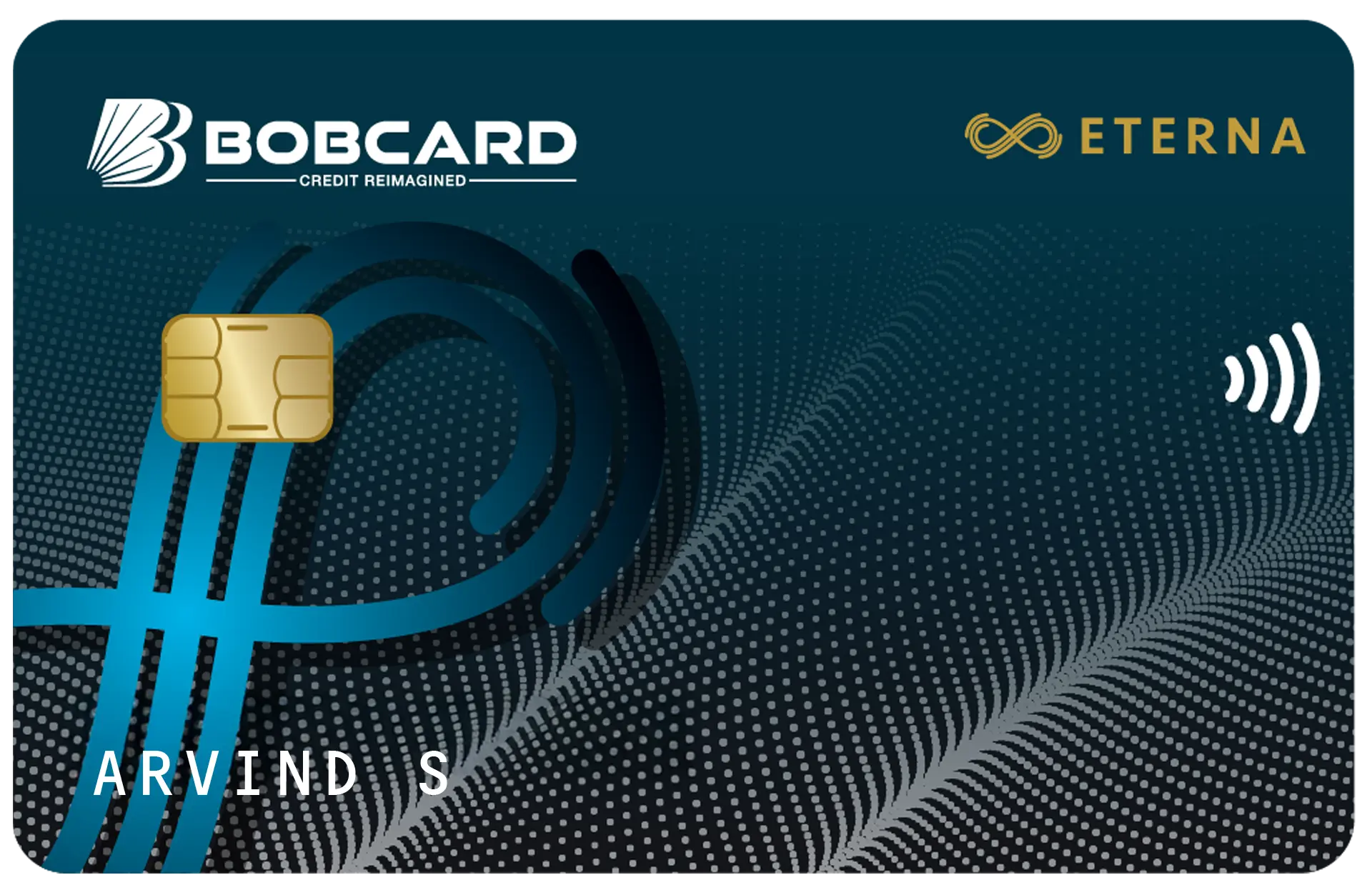
When BOBCARD delivers your new credit card, it arrives in an inactive state. You cannot make purchases, withdraw cash, or use it for online transactions until you activate it. Activation links your card to your registered mobile number, enables PIN generation, and turns on transaction capabilities.
The activation process typically takes a few minutes. Before you start, ensure the mobile number registered with BOBCARD is active and accessible - all OTPs will be sent to this number. Read about first billing cycle.

Method 1: Activate via BOBCARD Mobile App (Recommended)
The BOBCARD app is the fastest and most complete activation method. It also allows you to set your PIN, manage card controls, and view reward points in one place.
Step-by-Step Process
- Download the BOBCARD app: Available on Google Play Store and Apple App Store. Search 'BOBCARD Credit Card & Rewards'.
- Register: Open the app and register using your mobile number, credit card number, and date of birth.
- OTP verification: Enter the OTP sent to your registered mobile number.
- Set MPIN: Create a 4- or 6-digit MPIN for secure app login.
- Navigate to Card Controls: Once logged in, go to Menu → Card Controls.
- Enable transactions: Toggle on Domestic, Online, and Contactless transactions as required.
- Generate PIN: Go to Menu → PIN Services → Set/Reset PIN → Enter your new 4-digit PIN → Confirm with OTP.
Pro Tip: Enable 'International Transactions' in Card Controls only when you plan to travel abroad. Keeping it off reduces fraud risk on your card.
Method 2: Activate via Customer Portal (Online)
If you prefer a desktop/laptop experience, the BOBCARD customer portal at bobcard.co.in provides the same activation and PIN-setting capabilities.
- Visit: Go to myservices.bobcard.co.in or bobcard.co.in and click 'Login / Register'.
- Register: Enter your card number, registered mobile number, and date of birth.
- OTP verification: Enter the OTP received on your registered mobile number.
- Set password: Create a login password for the portal.
- Go to Card Services: Navigate to Services → Card Controls to activate transaction types.
- Generate PIN: Under Services → PIN Services, set your 4-digit ATM/POS PIN using OTP verification.
Method 3: Activate via IVR Helpline (Call)
Call BOBCARD's 24x7 IVR helpline to activate your card or generate a PIN without internet access. This is especially useful if you are activating for the first time and do not have the app installed.
| Action | Details |
|---|---|
| Toll-free numbers | 1800 103 1006 / 1800 225 100 |
| Available | 24 hours, 7 days a week |
| Services via IVR | Balance enquiry, PIN generation/reset, card blocking, last 3 transactions |
| What you need | Credit card number, registered mobile number, date of birth for verification |
- Call the toll-free number from your registered mobile number.
- Follow IVR prompts and select 'PIN Generation' or 'Card Activation'.
- Enter your card details as prompted for verification.
- Set your 4-digit PIN as instructed by the IVR system.
- You will receive an SMS confirmation once the PIN is set successfully.
Method 4: Activate via WhatsApp
BOBCARD offers WhatsApp-based card services. While activation itself may require the app or portal, you can manage key card functions via WhatsApp:
| Service | WhatsApp Command |
|---|---|
| Contact BOBCARD on WhatsApp | Send 'Hi' to +91-7208476628 |
| Check card balance | BAL XXXX (last 4 digits) |
| Check reward points | REWARD XXXX |
| Block card instantly | BLOCK XXXX |
| Check last statement | STAT XXXX |
SMS Services for BOBCARD (Not for Activation, But Useful)
BOBCARD's SMS service (send to 9223172141 from your registered mobile number) does not activate your card directly, but provides important account management functions:
| SMS Keyword | Function |
|---|---|
| BAL XXXX | Get card balance |
| REWARD XXXX | Know your reward points balance |
| STAT XXXX | Get last statement summary |
| PAYMENT XXXX | Get last payment details |
| BLOCK XXXX | Instantly block card (lost/stolen) |
| DOM XXXX | Enable card for domestic eCommerce transactions |
Note: XXXX = last 4 digits of your BOBCARD. Standard SMS charges apply per your mobile tariff plan.
First-Time Setup Checklist After Activation
- PIN set: Done via app, portal, or IVR
- Registered mobile number verified: OTPs reach you correctly
- Transaction types enabled: Domestic, Online, Contactless as needed
- International transactions: Enable only when travelling abroad
- BOBCARD app installed: For real-time tracking and rewards management
- Email ID registered: For e-statements and correspondence
- Autopay set up (optional): Avoid late payment charges by setting up auto-debit
Nil (below ₹100)
₹100 (₹100–500)
₹400 (₹501–1K)
₹750 (₹1K–10K)
₹950 (₹10K–25K)
₹1,100 (₹25K–50K)
₹1,300 (above ₹50K)
Pro tip: Set up autopay to avoid these entirely.
Troubleshooting Common Activation Issues
OTP not received
Ensure your registered mobile number is active and has network coverage. Check if DND (Do Not Disturb) is active on your number - BOBCARD SMS alerts may be blocked. If the number is outdated, update it by logging into online.bobcard.co.in or emailing crm@bobcard.co.in from your registered email ID.
Card not recognised on portal
Verify that you are entering the card number from the front of the physical card - 16 digits, without spaces. New cards may take 24–48 hours from dispatch to become activatable on the system.
PIN not working at ATM/POS
After setting a PIN via the app or portal, the new PIN typically activates within a few minutes. If it still fails, call 1800 103 1006 to reset.


Frequently Asked Questions
Disclaimer: This article is for general informational purposes only and does not constitute financial advice. All features and charges are subject to change without notice. Cards are issued by BOBCARD Limited (formerly BOB Financial Solutions Limited), a 100% subsidiary of Bank of Baroda. Readers are advised to refer to the Most Important Terms and Conditions (MITC) available at the official website before making any financial decision.