

































Table of Contents
- 1. Key Takeaways
- 2. Understanding NFC and Contactless Technology
- 3. The Rs 5,000 Contactless Transaction Limit: Full Explanation
- 4. How to Use Your BOB Credit Card for Contactless Payment
- 5. Contactless Payments on BOB RuPay Credit Card via UPI
- 6. Enabling and Disabling Contactless on BOB Credit Card
- 7. Security Framework for Contactless Payments
- 8. Contactless Payments Abroad: What to Know
- 9. Frequently Asked Questions
Key Takeaways
- All new BOB credit cards issued with a Visa or Mastercard chip are NFC-enabled and support contactless tap-to-pay at compatible POS terminals.
- The RBI-mandated contactless payment limit in India is Rs 5,000 per transaction - any single tap payment up to Rs 5,000 can be completed without PIN entry. Transactions above Rs 5,000 require PIN entry regardless of contactless capability.
- There is no separate daily cumulative limit specific to contactless transactions - your overall credit card daily transaction limit and available credit limit govern total daily spend.
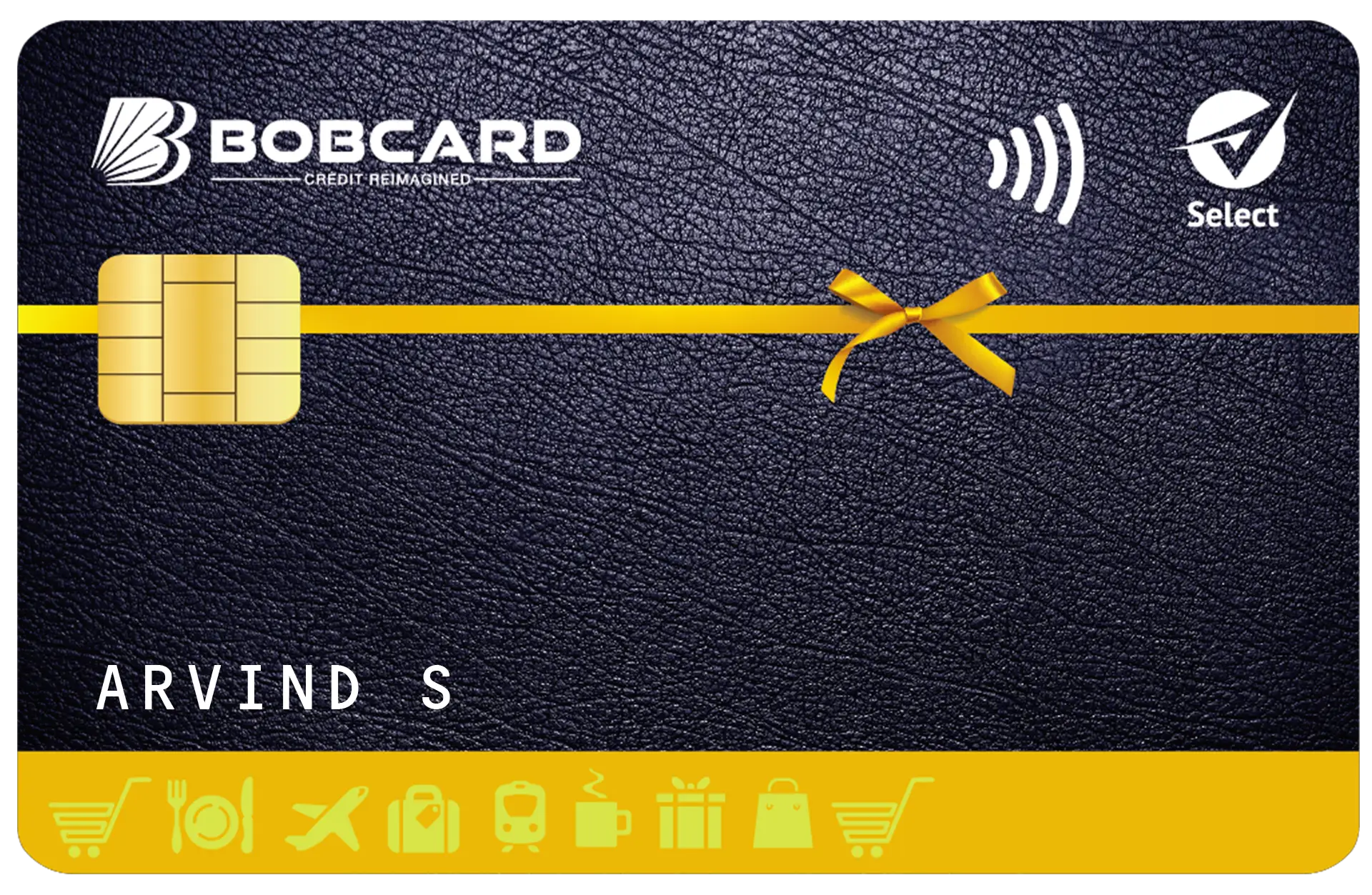
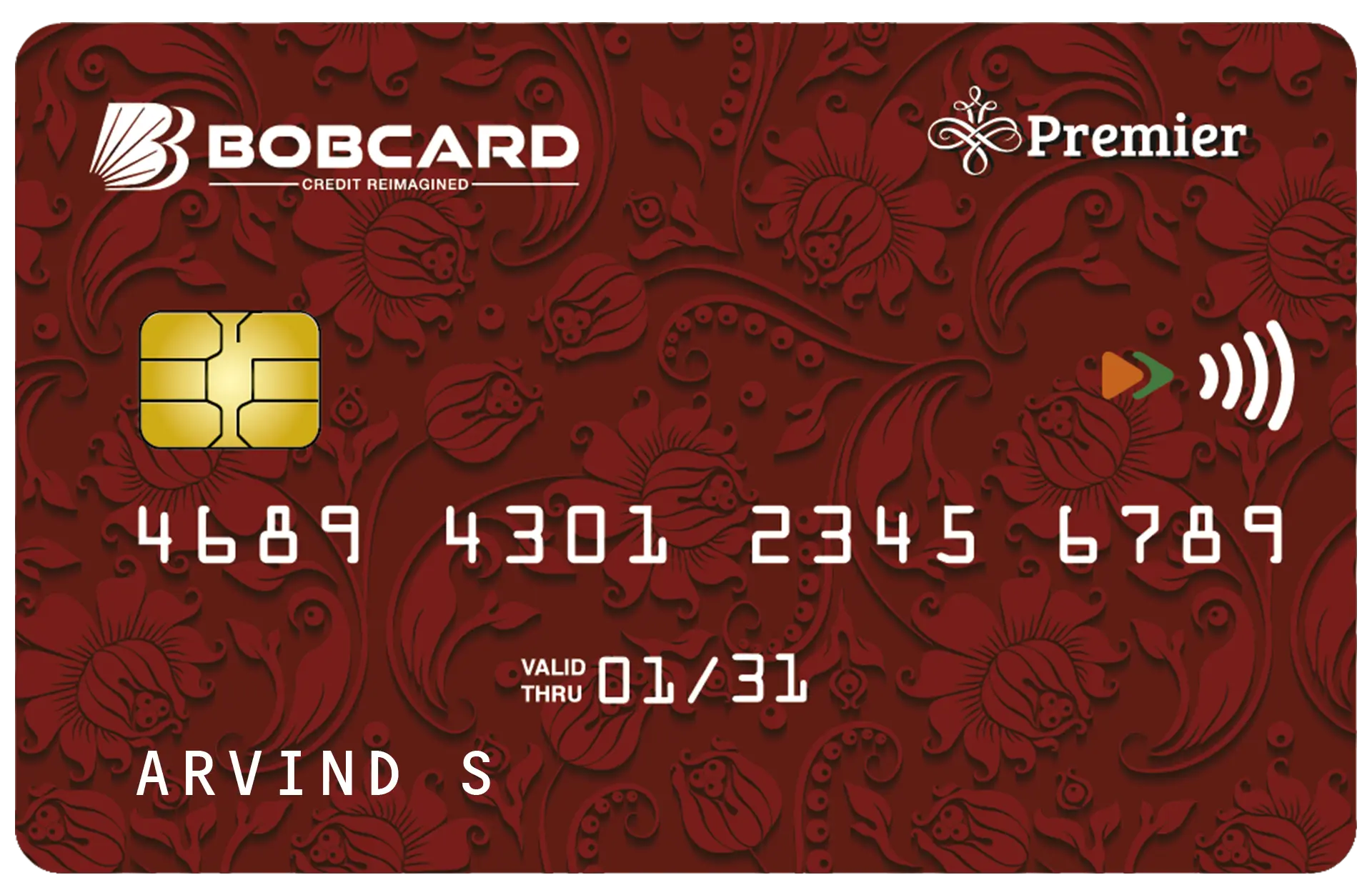
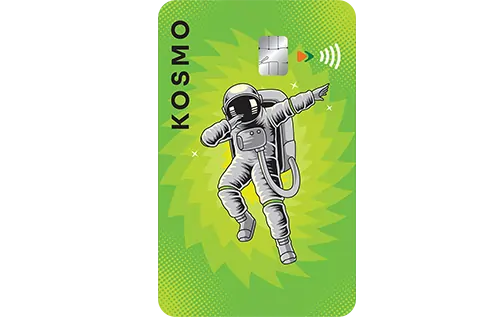
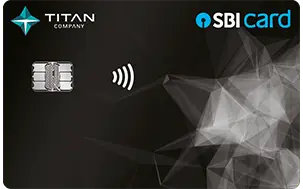
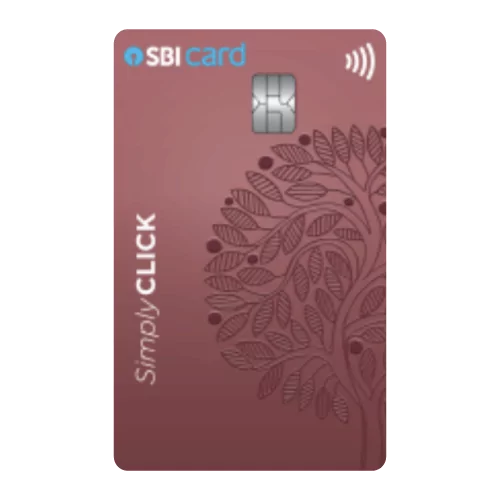
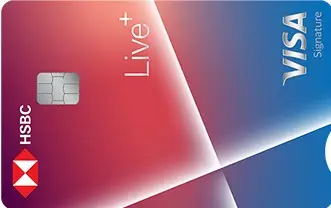
- The contactless symbol on a card - four curved lines resembling a Wi-Fi signal - indicates the card is NFC-enabled. Look for this symbol on the front or back of your BOB credit card.
- If your card is lost or stolen, contactless transactions up to Rs 5,000 can be made without PIN. Blocking the card immediately via SMS or the BOB World app is critical to preventing tap-based fraud.
- You can disable contactless functionality on your BOB credit card through the BOBCARD portal or by calling customer care - though most cards are enabled by default.
Understanding NFC and Contactless Technology
Near Field Communication (NFC) is a short-range wireless communication technology that enables data exchange between two NFC-enabled devices within approximately 4 centimetres of each other. Your BOB credit card contains an NFC chip embedded in the card body alongside the standard chip and magnetic stripe. When you tap the card on a compatible POS terminal that is also NFC-enabled, the terminal reads your card data wirelessly and initiates the payment - without physical card insertion.
The entire tap-to-pay interaction takes less than a second. The terminal displays a green light or tick mark and a confirmation beep when the payment is successfully processed. You receive an SMS transaction alert from BOBCARD on your registered mobile within seconds of the tap.
The Contactless Symbol
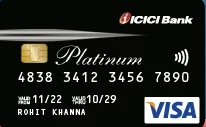
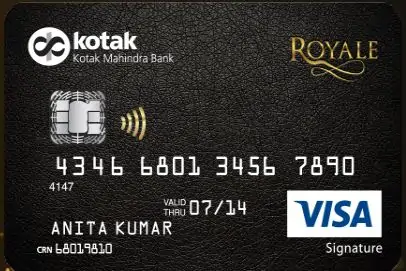
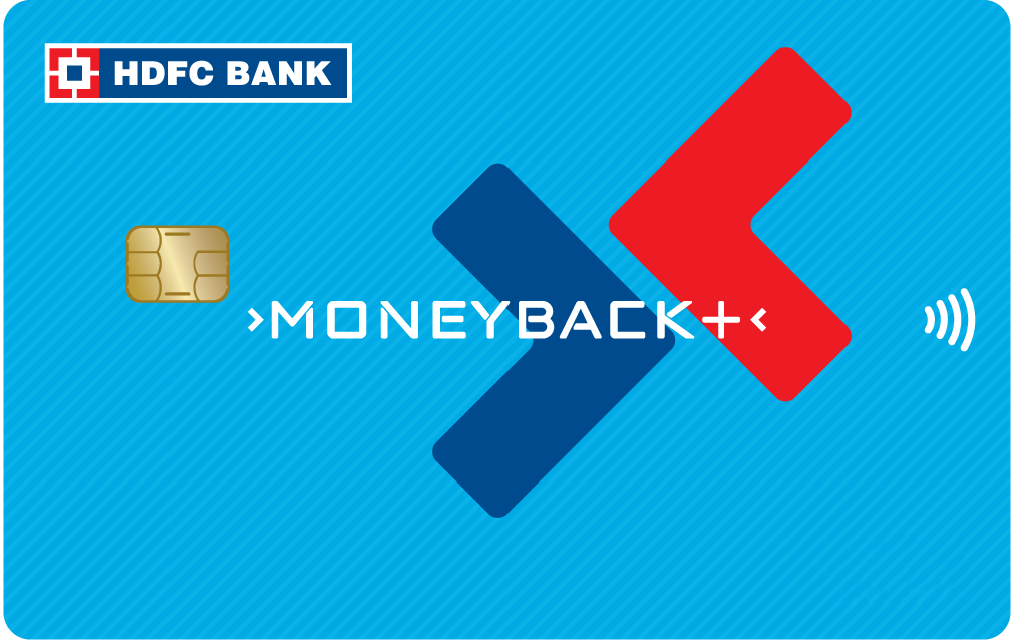
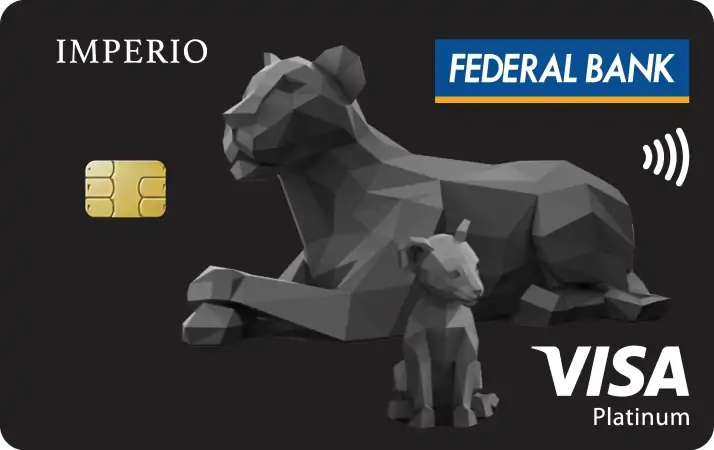
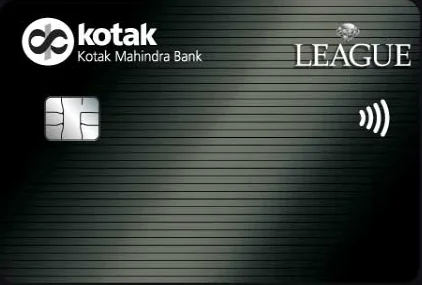
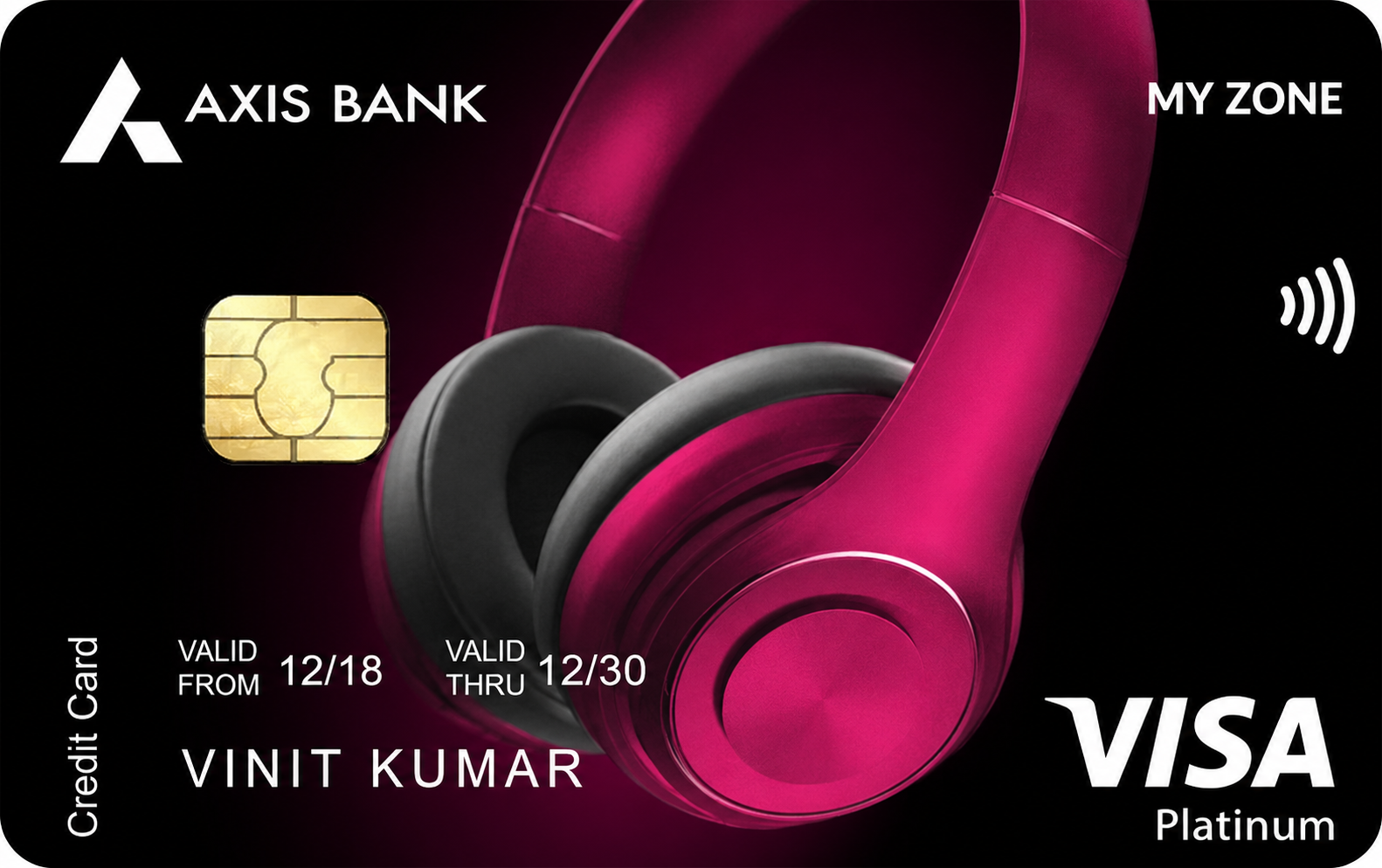
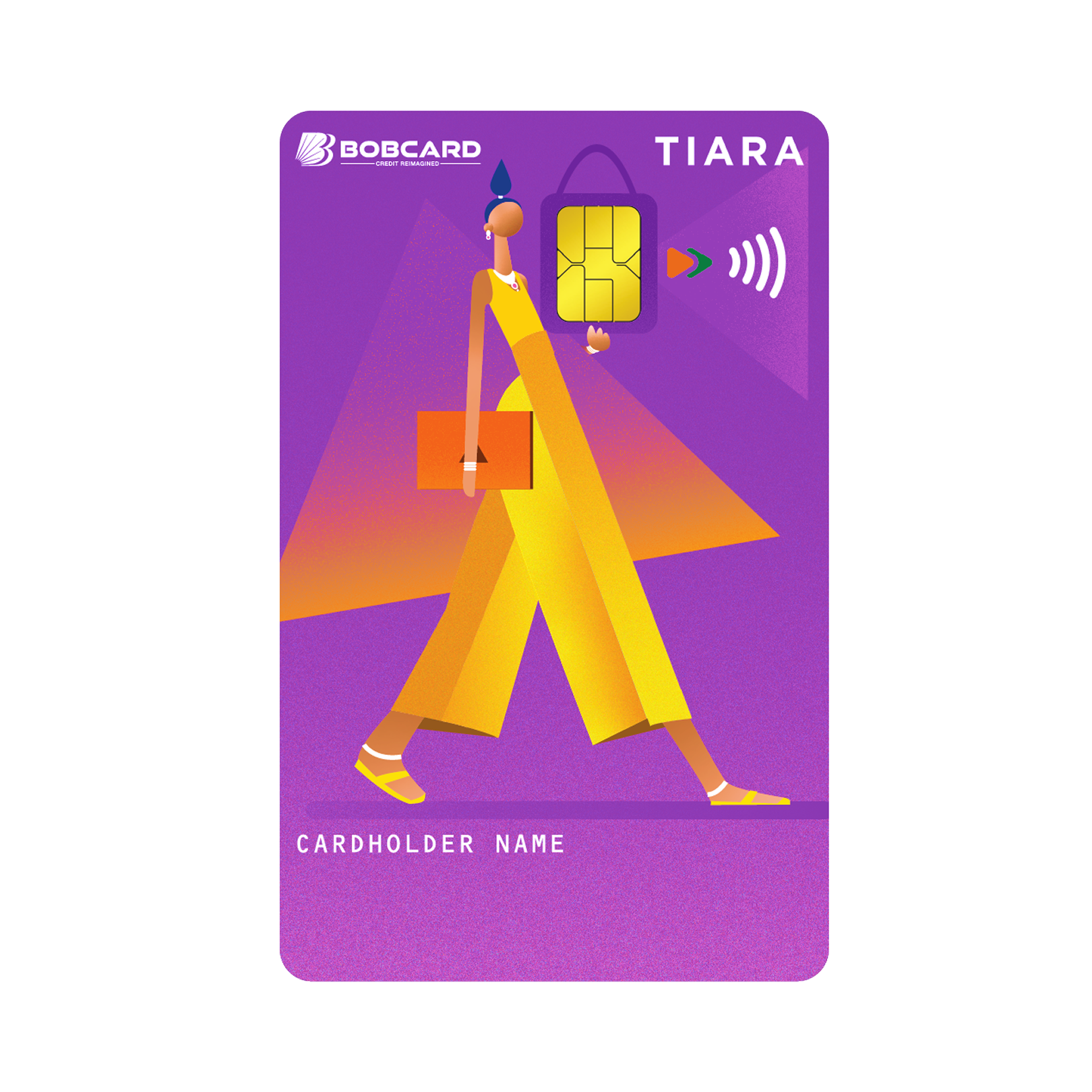
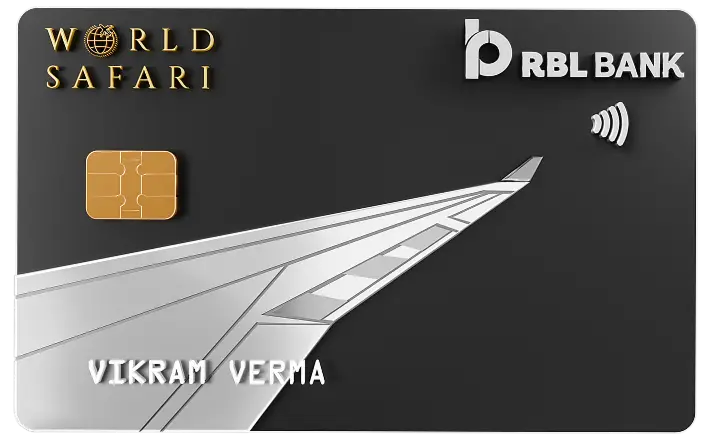
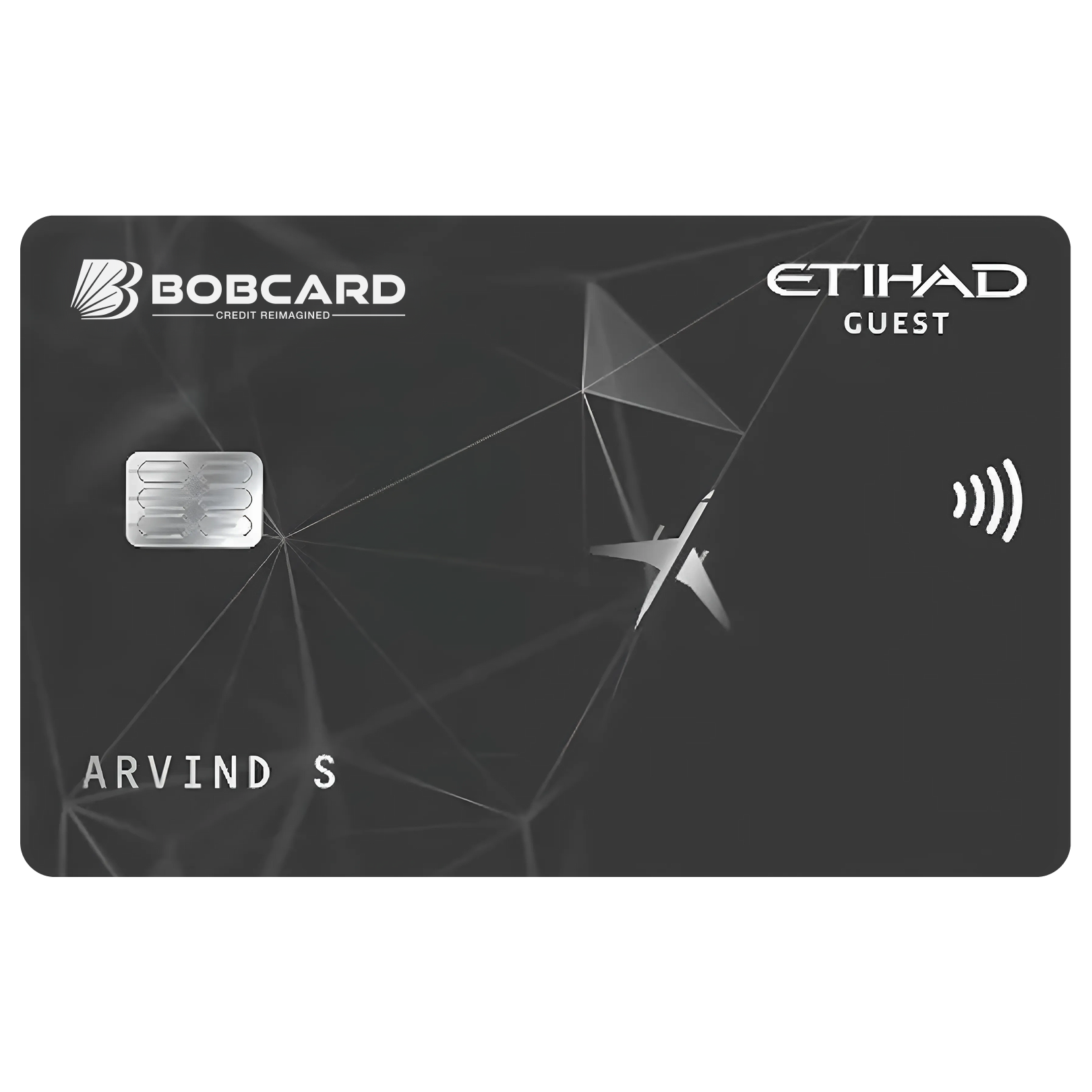
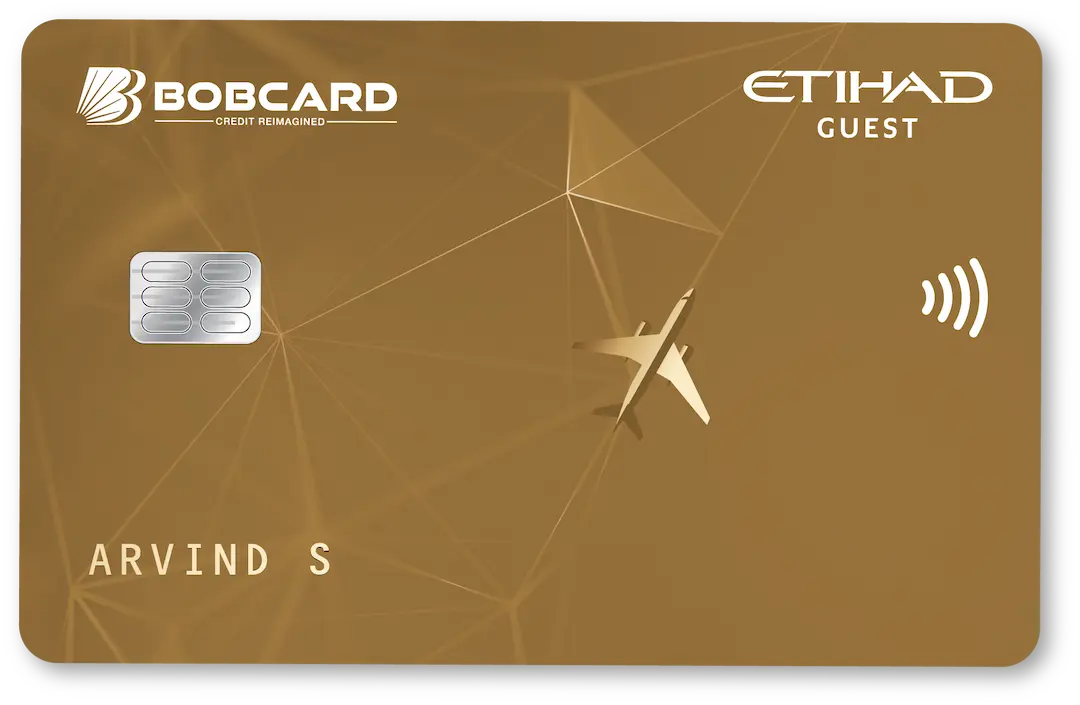
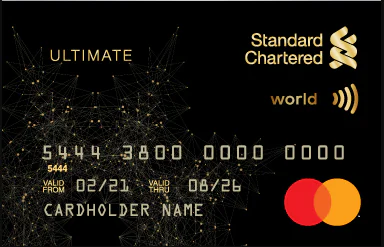
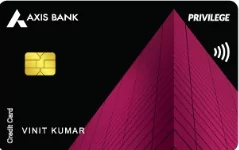
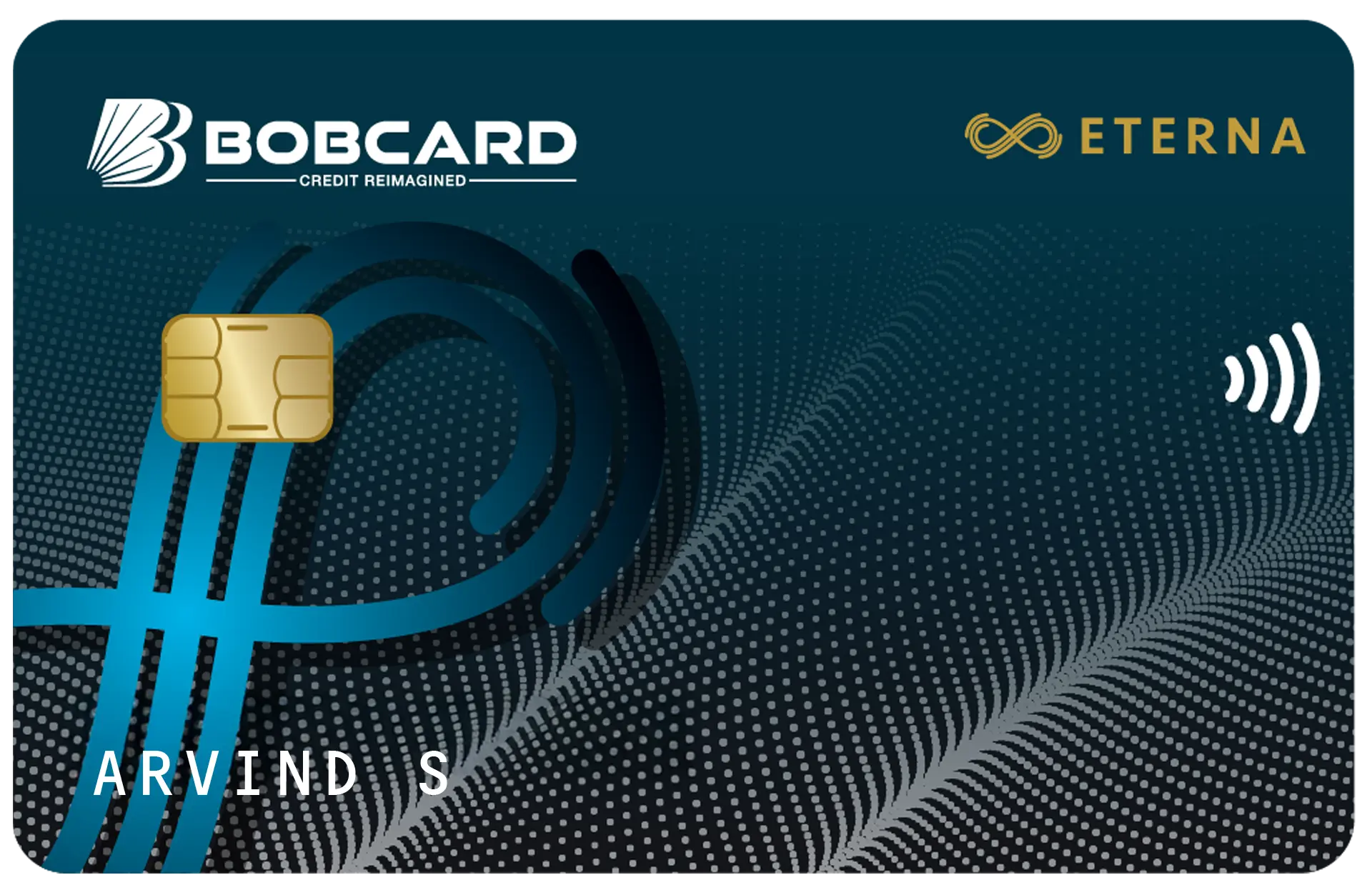
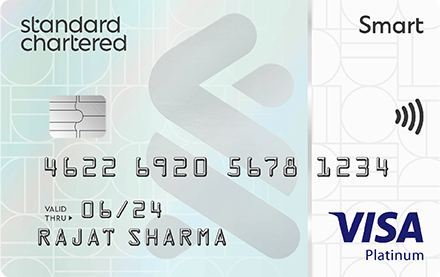
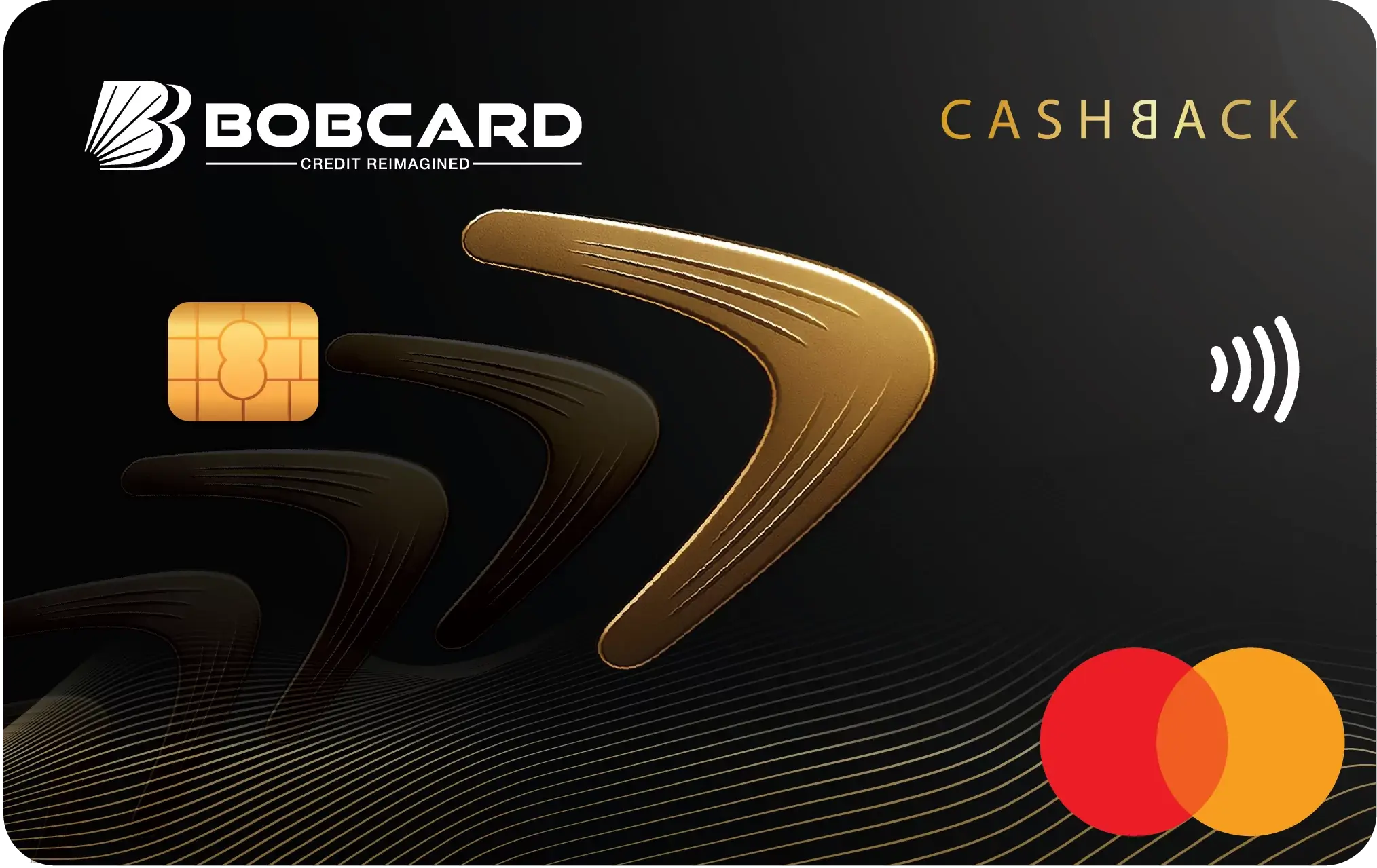
Your BOB credit card is contactless-enabled if it displays the contactless symbol - four curved lines that resemble a tilted Wi-Fi icon or broadcast signal. This symbol appears on the front or back of the card. The same symbol is displayed on NFC-enabled POS terminals to indicate tap-to-pay acceptance. When both your card and the terminal show this symbol, contactless payment is possible.
The Rs 5,000 Contactless Transaction Limit: Full Explanation
The Reserve Bank of India mandates that contactless card transactions in India can be made without PIN entry for amounts up to Rs 5,000 per transaction. This limit applies to all card networks - Visa, Mastercard, and RuPay - and to all card types including credit, debit, and prepaid cards. The limit was revised upward from Rs 2,000 to Rs 5,000 to reflect the growing use of contactless payments at retail and restaurant contexts where average transaction values have risen.
What This Means Practically
| Transaction Amount | PIN Required | Physical Card Insert Required | Contactless Available |
|---|---|---|---|
| Up to Rs 5,000 | No | No | Yes - tap to pay |
| Rs 5,001 and above | Yes | Yes (chip insert) | No - chip + PIN required |
| International transactions | Usually Yes | Usually Yes | Varies by country |
The Rs 5,000 limit applies per individual transaction, not cumulatively per day. You can make multiple contactless transactions - Rs 3,000 at a grocery store, Rs 2,000 at a restaurant, Rs 4,500 at a pharmacy - all without PIN entry, as long as each individual transaction is at or below Rs 5,000. There is no rule that requires PIN entry after a set number of contactless transactions in a day (unlike some European contactless frameworks that trigger mandatory PIN verification every 5 consecutive taps).
How to Use Your BOB Credit Card for Contactless Payment
Step-by-Step: Making a Tap Payment
- At the payment counter, inform the cashier you will pay by card.
- Confirm the amount on the POS terminal display. Ensure it is Rs 5,000 or below for PIN-free tap.
- Hold your BOB credit card flat and bring it within 2 to 4 centimetres of the contactless symbol on the POS terminal. Do not tap hard - a gentle hover near the reader is sufficient.
- Hold the card still for 1 to 2 seconds until the terminal confirms: a green tick, a beep sound, or a 'Payment Approved' message.
- You will receive an SMS transaction alert on your registered mobile within seconds.
- No signature, no PIN, no receipt required (though you can request a receipt).
That is the complete process. The payment is faster than inserting a chip card, faster than scanning a QR code, and requires no phone interaction. For everyday purchases at supermarkets, restaurants, pharmacies, and petrol stations, contactless is the most efficient payment method.
When the Terminal Asks for PIN Despite Rs 5,000 Limit
Some merchants - particularly government payment terminals, certain petrol pump POS systems, and older terminal models - may not have NFC capability or may have it disabled. If the terminal displays 'Insert Card' or does not respond to a tap, insert your card in the chip slot and enter your PIN as normal. The Rs 5,000 contactless limit only applies when both the card and the terminal are NFC-enabled and communicating successfully.
Contactless Payments on BOB RuPay Credit Card via UPI
BOB RuPay credit cards linked to a UPI app (Google Pay, PhonePe, Paytm) offer a different form of contactless payment - scanning a UPI QR code rather than tapping an NFC terminal. This is technically not NFC-based contactless but functions similarly from the user experience perspective: open the UPI app, scan the QR code, enter the UPI PIN, done - no card physical interaction required.
The UPI credit card route has a different transaction limit framework: unlike the NFC Rs 5,000 PIN-free limit, UPI requires PIN authentication for every transaction regardless of amount. However, UPI QR codes are far more widely deployed than NFC terminals in India - every small merchant with a printed QR code accepts UPI, while NFC terminal coverage is concentrated in organised retail and restaurant chains.
Enabling and Disabling Contactless on BOB Credit Card
Contactless Is Enabled by Default
New BOB credit cards are shipped with contactless payment enabled by default. You do not need to activate it separately - the card is ready for tap payments immediately upon activation. However, if you received a card that seems to not be tapping at merchants, verify with BOBCARD customer care whether NFC is enabled on your specific card.
How to Disable Contactless
If you prefer not to use contactless - perhaps due to security concerns about tap-based fraud without PIN - you can disable the NFC feature on your BOB credit card:
- Through the BOBCARD portal: Log in to bobcard.co.in, navigate to Card Settings or Card Services, and look for 'Contactless Payment' or 'NFC Settings'. Toggle the feature off.
- Via BOB World app: Open the BOB World app, navigate to Credit Card management, go to Card Controls, and disable contactless transactions.
- Via customer care: Call 1800 2665 100 and request disabling of contactless payments on your card. The agent processes this within 24 hours.
Disabling contactless does not affect chip-and-PIN or magnetic stripe transactions. Your card continues to work normally for all non-tap payment scenarios.
How to Re-enable Contactless
Re-enabling follows the same process as disabling - toggle on through the BOBCARD portal or BOB World app, or call customer care. The feature activates within 24 hours of the request.
Security Framework for Contactless Payments
Is Tap-to-Pay Safe Without PIN?
The Rs 5,000 PIN-free contactless limit is designed with security considerations built in at multiple levels. First, NFC requires physical proximity - the card must be within 4 centimetres of the terminal. Unlike magnetic stripe skimming, remote interception of an NFC transaction is not practically possible with consumer-grade equipment. Second, each contactless transaction generates a unique cryptogram - a one-time code that validates the transaction and cannot be reused. Even if the transaction data were intercepted, it cannot be used to initiate a new transaction.
Third, BOBCARD's transaction monitoring systems flag unusual patterns in contactless spending - multiple rapid transactions, transactions in unusual locations, or transaction amounts just below the Rs 5,000 threshold - and may trigger SMS alerts or temporary blocks. Fourth, the Rs 5,000 limit means that even in a worst-case scenario of card theft, maximum exposure per tap is Rs 5,000.
What Happens If Someone Taps Your Card Without Authorisation
Physical card proximity is required for NFC - your card cannot be tapped from inside your wallet from across a room. However, crowded environments like metro stations, markets, and queues theoretically allow an NFC reader within 4 centimetres of your card without your knowledge. This risk is low and the practical cases of NFC pickpocketing in India are extremely rare, but can be entirely eliminated by using an RFID-blocking wallet, which creates a signal barrier around the card.
Contactless Payments Abroad: What to Know
When travelling internationally with your BOB credit card (Visa variant), contactless payment is available at NFC-enabled terminals worldwide. International contactless limits vary by country - many markets have higher contactless limits than India's Rs 5,000 equivalent. For example, in the UK, the contactless limit is £100, in the UAE it is AED 500, and in Australia it is AUD 200. These country-specific limits are set by the local regulator and Visa's network rules, not by BOBCARD.
At an international terminal, if the transaction is within the local contactless limit, no PIN is required - the same tap-and-go experience as in India. Above the local limit, chip-and-PIN is required. Your BOB credit card's international use is subject to BOBCARD's international transaction enablement setting and the 3.5% forex markup (or 2% on Eterna, 0% on Etihad Premium).
Frequently Asked Questions
Disclaimer: Contactless payment limits, NFC specifications, and security framework referenced are based on RBI circulars, Visa/Mastercard network rules, and BOBCARD's publicly available information as of May 2026. Transaction limits are subject to regulatory revision. Verify current limits at bobcard.co.in and rbi.org.in.