
































Table of Contents
- 1. What Is a BOB Credit Card Statement?
- 2. How to Download Your BOB Credit Card Statement
- 3. How to Read Your BOB Credit Card Statement
- 4. Statement Date vs Payment Due Date - A Critical Distinction
- 5. Finance Charges and How to Avoid Them
- 6. Using Your Statement for CIBIL Score and Financial Documentation
- 7. Frequently Asked Questions
Key Takeaways
- Your BOB credit card statement password is: first four letters of your name as printed on the card (uppercase) followed by your date of birth in DDMMYYYY format - for example, RAHU15011990.
- Statements are delivered automatically to your registered email each month as a password-protected PDF and can also be downloaded via the BOBCARD app, customer portal, or WhatsApp.
- The statement date and the payment due date are two separate dates. The statement date closes your billing cycle; the payment due date is when you must pay to avoid interest - typically 20 to 25 days later.
- Paying only the Minimum Amount Due avoids a late fee but triggers finance charges at 3.35 to 3.49 percent per month on the remaining balance.
- Your credit card statement is reported to CIBIL, Equifax, and Experian every month. On-time full payments build your credit score; missed payments reduce it for up to 36 months.
- Retain at least three years of statements for income tax filing, home loan applications, and visa documentation.
- The reward points summary section of the statement shows points nearing expiry - redeem these before the date shown to avoid forfeiture.
What Is a BOB Credit Card Statement?
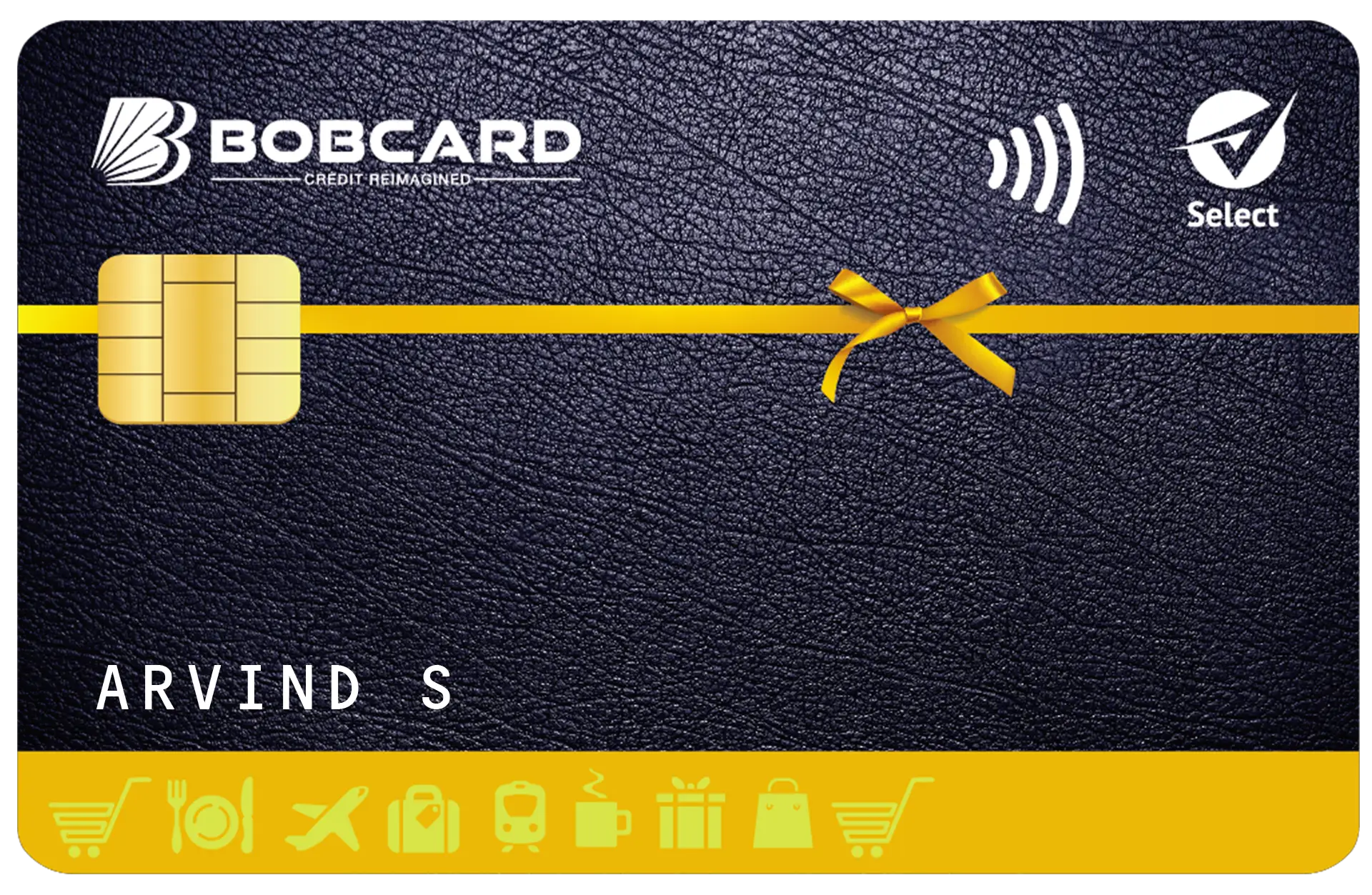
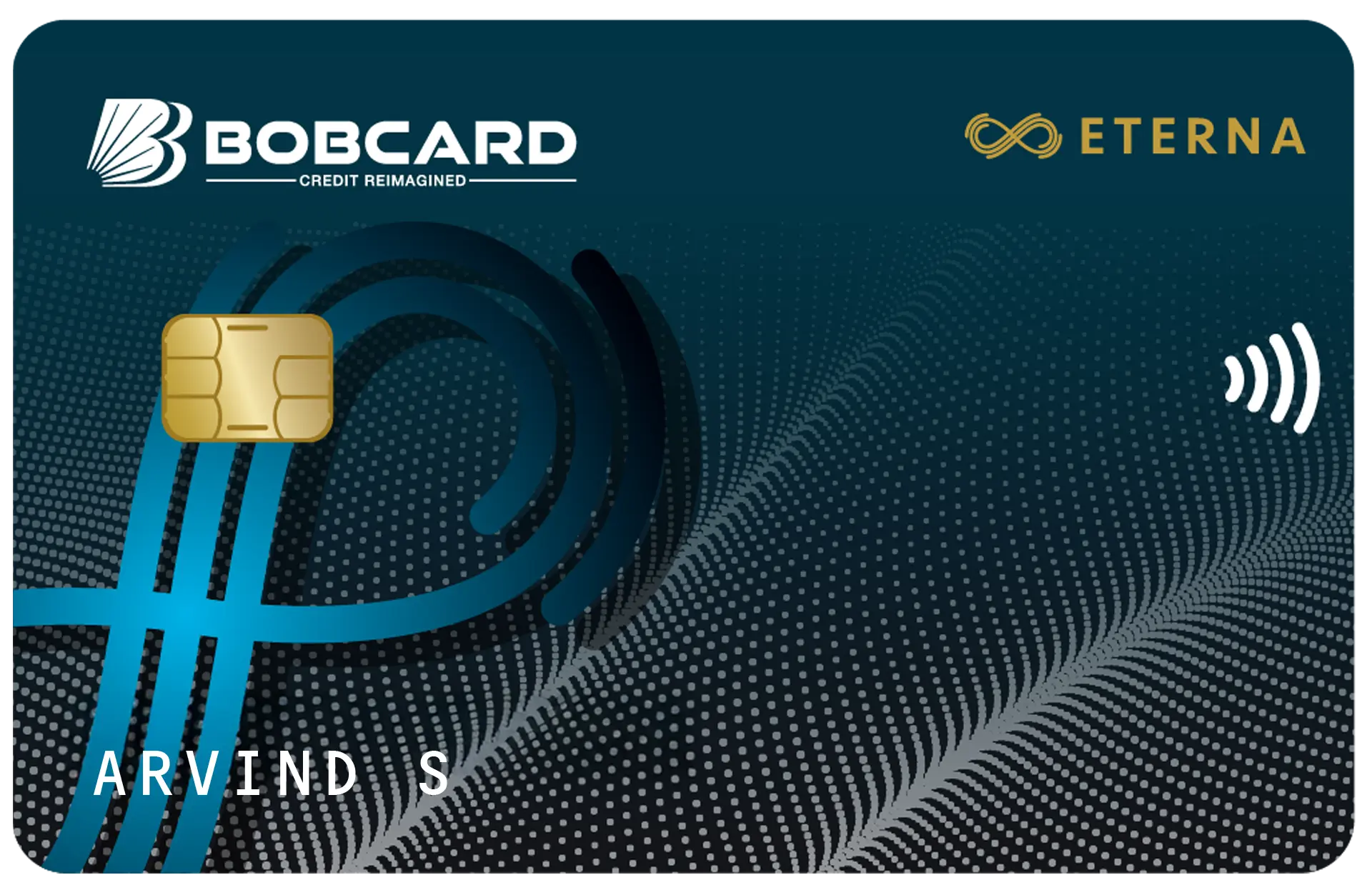
A Bank of Baroda (BOB) credit card statement is a monthly document generated by BOB Financial Solutions Limited - the issuer of BOBCARD - that records every transaction, fee, cashback credit, reward point movement, and payment made on your account during the billing cycle.
The statement serves three functions simultaneously. As a billing document, it states exactly how much you owe and by what date. As a transaction ledger, it provides a timestamped record of every debit and credit, which is essential for personal finance tracking, expense reporting, and disputing incorrect charges. As a credit reporting submission, it is transmitted to India's three credit bureaus - CIBIL, Equifax, and Experian - every month, making it a direct input into your credit score.
Understanding your statement is not a supplementary financial skill. It is the foundational requirement for using a credit card without incurring unnecessary costs.
Source: BOB Financial Solutions Limited is registered with the Reserve Bank of India as a Non-Banking Financial Company (NBFC). BOBCARD is the credit card brand of BOB Financial Solutions Limited, a subsidiary of Bank of Baroda.
How to Download Your BOB Credit Card Statement
BOB Financial Solutions provides five channels for accessing your monthly statement. Each is available at no charge.
Via Email - Automatic Monthly Delivery
Your statement is automatically sent to your registered email address as a password-protected PDF on the statement generation date - typically one to five business days after the close of your billing cycle. No action is required to receive this. If you do not find the statement in your inbox, check your spam or promotions folder. The sender email address is from the bobcard.co.in domain.
If your registered email address is outdated, update it by emailing crm@bobcard.co.in from your current registered email with a signed request, or by visiting a Bank of Baroda branch with valid identity proof.
Via the BOBCARD Mobile App
The BOBCARD app (available on Google Play Store and Apple App Store) provides the most convenient on-demand access to statements for any month in your account history.
- Open the BOBCARD app and log in.
- Tap the Statements tab in the bottom navigation bar.
- Select the card if you hold multiple BOBCARD products.
- Choose the billing month from the dropdown.
- Tap Download. The PDF is saved to your device's downloads folder.
Via the Customer Portal - bobcard.co.in
The customer portal at bobcard.co.in provides full statement access from any web browser.
- Go to bobcard.co.in and log in using your registered email and password.
- Navigate to My Account in the top menu, then select Statements.
- Choose the card and billing month.
- Click Download PDF.
Via WhatsApp
BOBCARD's WhatsApp channel at 8433 888 777 provides statement access without requiring app login. Send 'Hi' to initiate the guided menu, select Account Services, then Account Statement, and choose the month. The statement PDF is sent as a WhatsApp document attachment.
Requesting Statements Older Than Six Months
The BOBCARD app and portal typically display statements for the most recent six to twelve months. For older statements required for tax returns, loan applications, or legal purposes, email crm@bobcard.co.in from your registered email address. Include your full name as on the card, your 16-digit card number, and the specific months required. BOBCARD customer service typically processes such requests within three to five business days.
Source: BOBCARD customer support: crm@bobcard.co.in | Customer Care: 1800 103 1002
BOB Credit Card Statement Password - Explained
Every BOB credit card statement is delivered as a password-protected PDF. This is a security standard applied uniformly across all BOBCARD statements to protect your financial data if your email is accessed by an unauthorised party.
Password Format
Password = First 4 letters of your name as printed on the card (uppercase) + Date of Birth in DDMMYYYY format
Password Examples
| Name on Card | Date of Birth | Statement Password |
|---|---|---|
| RAHUL SHARMA | 15 January 1990 | RAHU15011990 |
| PRIYA GUPTA | 3 August 1988 | PRIY03081988 |
| ALI HUSSAIN | 21 March 1995 | ALI 21031995 |
| ANANYA VERMA | 7 November 2000 | ANAN07112000 |
| RITU AGARWAL | 30 December 1992 | RITU30121992 |
Source: Password format applies to all BOBCARD credit card statements as per BOB Financial Solutions account documentation.
Troubleshooting - When the Password Does Not Work
If the password fails, work through these checks in order:
- Date format error: The date must be in DDMMYYYY with two digits for day and month. 3 August 1988 is 03081988, not 3081988.
- Name format mismatch: Use the name exactly as embossed or printed on the card face, not your Aadhaar or PAN name if they differ. If your card reads RAHUL R SHARMA, the first four letters are RAHU.
- Case error: The password uses uppercase letters only. rahu15011990 will not work.
- Name shorter than four letters: Use all available letters. If your name is ALI, the password is ALI followed by the date - for example, ALI21031995.
- Name with a space in the first four characters: Some names have a space in the initials position. Try both with and without the space.
If none of the above resolves the issue, call BOBCARD Customer Care at 1800 103 1002 or email crm@bobcard.co.in with your card number and registered name to request the correct password format for your account.
How to Read Your BOB Credit Card Statement
A standard BOBCARD statement is structured into seven sections. Knowing what each section contains helps you review it accurately within two to three minutes every month.
| Section | What It Contains | What to Check |
|---|---|---|
| Account Summary | Credit limit, available credit, current outstanding | Available credit before your next purchase |
| Total Amount Due | Full balance owed for this billing cycle | This is what you must pay in full by the due date |
| Minimum Amount Due | Minimum payment to avoid a late fee only | Never use this as your payment target |
| Payment Due Date | Deadline for payment without interest | Mark your calendar; pay 3 days early if paying by NEFT |
| Transaction Details | All purchases, fees, refunds, cashback credits | Verify for unauthorised or incorrect transactions |
| Reward Points Summary | Points earned, total balance, expiry dates | Redeem points approaching expiry immediately |
| Finance Charges | Interest on any unpaid previous balance | Should be zero if you paid in full last month |
Statement Date vs Payment Due Date - A Critical Distinction
The statement date is the date on which BOBCARD generates your monthly bill. It marks the end of your billing cycle. All transactions made up to and including the statement date appear in the current statement. Transactions after this date appear on the following month's statement.
The payment due date is the date by which you must pay to avoid interest charges and late payment fees. It falls approximately 20 to 25 days after the statement date. You may pay any time between the statement date and the payment due date - paying on the statement date itself is perfectly valid and incurs no interest.
Example: Statement date = 1 June. Payment due date = 20 June. If you spend Rs 18,000 during May and pay the full amount on or before 20 June, you pay zero interest. If you pay after 20 June, late fees and finance charges apply from 1 June.
Source: RBI Master Direction on Credit Card and Debit Card - Issuance and Conduct Directions, 2022 (updated 2024): credit card issuers must provide a minimum 15-day interest-free period from statement date to payment due date. BOBCARD provides 20 to 25 days.
Finance Charges and How to Avoid Them
Finance charges appear on your statement when you carry an unpaid balance from the previous billing cycle. BOBCARD's finance charge rate is 3.35 to 3.49 percent per month on the outstanding balance, which equates to approximately 40 to 42 percent per annum - among the highest interest rates on any legal financial product in India.
Finance charges apply from the statement generation date - not from the payment due date. This means that if you pay less than the full amount due, interest is calculated on the unpaid balance from the date your statement was generated, not from when the bill was due. The practical consequence: a partial payment on time still results in significant interest costs.
The only way to avoid finance charges is to pay the full outstanding balance every billing cycle. Even one instance of partial payment triggers interest on all new purchases in the following cycle, creating an interest cascade that takes two to three billing cycles to fully clear even after full payment resumes.
Source: RBI notification: finance charges are disclosed in the Most Important Terms and Conditions (MITC) document issued with every credit card. BOBCARD's MITC is available at bobcard.co.in/terms.
Using Your Statement for CIBIL Score and Financial Documentation
Your BOB credit card statement is transmitted to CIBIL, Equifax, and Experian on a monthly basis. The data transmitted includes your credit limit, outstanding balance, payment status, and payment date. This data directly shapes your credit score.
On-time full payments create positive payment history entries, which constitute 35 percent of the CIBIL score calculation weightage. The outstanding balance relative to your credit limit - the credit utilisation ratio - accounts for approximately 30 percent. Keeping utilisation below 30 percent of your limit at statement generation date is the single most actionable lever for improving your CIBIL score alongside timely payment.
For loan applications, most banks and housing finance companies request three to six months of credit card statements as part of income and repayment behaviour assessment. For Schengen, US, and UK visa applications, six months of statements demonstrating adequate funds and regular financial activity are typically required. Archiving your statements in a dedicated folder - organised by year and month - eliminates administrative delays when these documents are requested urgently.
Source: CIBIL score factor weightages: TransUnion CIBIL Technical Report 2023. Credit utilisation calculation methodology per CIBIL member FAQ documentation.
Frequently Asked Questions
Disclaimer
This article is published by Card24.ai for informational and educational purposes only. The information is based on publicly available data, BOBCARD and Bank of Baroda official communications, and RBI regulatory guidelines as of June 2026. All details are subject to change.
Card24.ai is not affiliated with BOB Financial Solutions Limited, Bank of Baroda, or BOBCARD. This content does not constitute financial advice or a recommendation to apply for any credit card or financial product.
Always verify current fees, interest rates, features, and processes directly with BOBCARD at bobcard.co.in or by calling BOBCARD Customer Care at 1800 103 1002 before making any financial decision.
Card24.ai may receive referral compensation when readers apply for cards through links on this platform. This does not influence our editorial content or recommendations.