























Table of Contents
- 1. Key Takeaways:
- 2. What Is a BOB Pre-Approved Credit Card?
- 3. Who Gets BOB Pre-Approved Credit Card Offers?
- 4. How to Check Your BOB Pre-Approved Credit Card Offer
- 5. BOBCARD Variants Typically Offered via Pre-Approval
- 6. How to Apply for Your BOB Pre-Approved Credit Card
- 7. Documents Required
- 8. How to Activate Your BOBCARD After Approval
- 9. Pre-Approved vs Regular Application: Key Differences
- 10. Things to Check Before Accepting a Pre-Approved Offer
- 11. Why Did My Pre-Approved Offer Disappear?
- 12. Frequently Asked Questions
Key Takeaways:
- A pre-approved BOBCARD offer means BOB has already soft-screened your profile - no CIBIL impact at the check stage
- Pre-approved is not guaranteed approval; a hard inquiry still fires when you formally apply
- You can check your offer via Bob World app, internet banking, SMS, or by visiting a branch
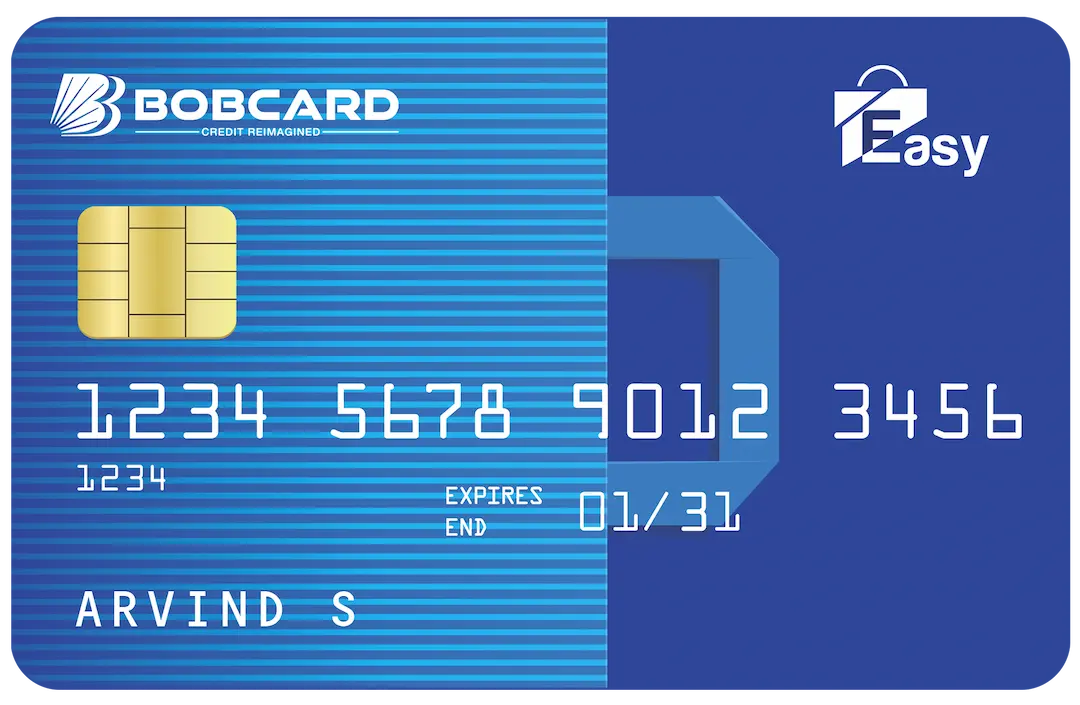
- BOBCARD Easy is the most commonly pre-approved variant for existing BOB account holders with ₹3L/year income
- Pre-approved applications process in 24-72 hours vs 5-10 days for regular applications
- Offers are time-sensitive - typically valid for 30-90 days and can disappear if your credit profile changes
Got a message from Bank of Baroda saying you have a pre-approved credit card offer? You're not alone. BOB regularly extends these offers to existing account holders, salary credit customers, and fixed deposit holders who already meet internal eligibility filters. Pre-approved doesn't mean auto-issued - you still need to check, confirm, and activate. This guide walks you through every step.
What Is a BOB Pre-Approved Credit Card?
A pre-approved credit card offer means Bank of Baroda has internally assessed your banking profile - your account vintage, salary credits, existing relationship, and credit bureau data - and determined you are likely to qualify for a specific BOBCARD. The bank runs this check without pulling a hard inquiry on your CIBIL report, which is why it counts as a soft check at the offer stage.
Pre-approved does not mean guaranteed. It means your chances of approval are significantly higher than a cold application. You still complete an application, and a hard inquiry is triggered once you formally proceed. If your profile has changed since BOB ran its internal filter (for example, a new loan or a missed EMI), the final approval decision may differ from the offer.
Who Gets BOB Pre-Approved Credit Card Offers?
Bank of Baroda typically targets the following customer segments for pre-approved offers:
- Salary account holders with regular monthly credits above ₹25,000
- Existing BOB customers with account vintage of 12 months or more
- Fixed deposit holders with cumulative balances of ₹50,000 and above
- Customers with a CIBIL score of 700+ and no recent defaults or delinquencies
- Customers who have repaid BOB personal loans or home loans without irregularities
How to Check Your BOB Pre-Approved Credit Card Offer
There are four ways to check if you have an active pre-approved offer from BOBCARD:
1. Bob World (Mobile App)
- Log in to the Bob World app with your registered mobile number
- Navigate to the 'Credit Cards' or 'Products' section
- Look for a banner or dedicated tile that says 'Pre-Approved Offer' or 'Special Offer for You'
- Tap to view which BOBCARD variant you are eligible for, the credit limit offered, and the fee structure
2. BOB Internet Banking
- Log in at bankofbaroda.in with your credentials
- Go to the 'Cards' section from the main menu
- Check for any pre-approved credit card offer linked to your account
- Click to view offer details and proceed if interested
3. SMS or Email from BOB
- BOB sends pre-approved offer notifications via SMS to your registered mobile number
- The message typically contains a link or a reference number to apply directly
- Verify the link domain is bankofbaroda.in before proceeding to avoid phishing
4. BOB Branch or Customer Care
- Visit your home branch with your Aadhaar and PAN
- Ask the relationship manager to check for any pre-approved credit card offer on your account
- Alternatively, call BOB Credit Card customer care at 1800 103 1906 (toll-free)
BOBCARD Variants Typically Offered via Pre-Approval
The variant you are offered depends on your income profile and existing relationship with BOB. Here is a quick overview of the most commonly pre-approved BOBCARD options:
| BOBCARD Variant | Income Eligibility | Annual Fee | Best For |
|---|---|---|---|
| BOBCARD Easy | ₹3L/year (BOB customers) | ₹500 + GST | First-time cardholders |
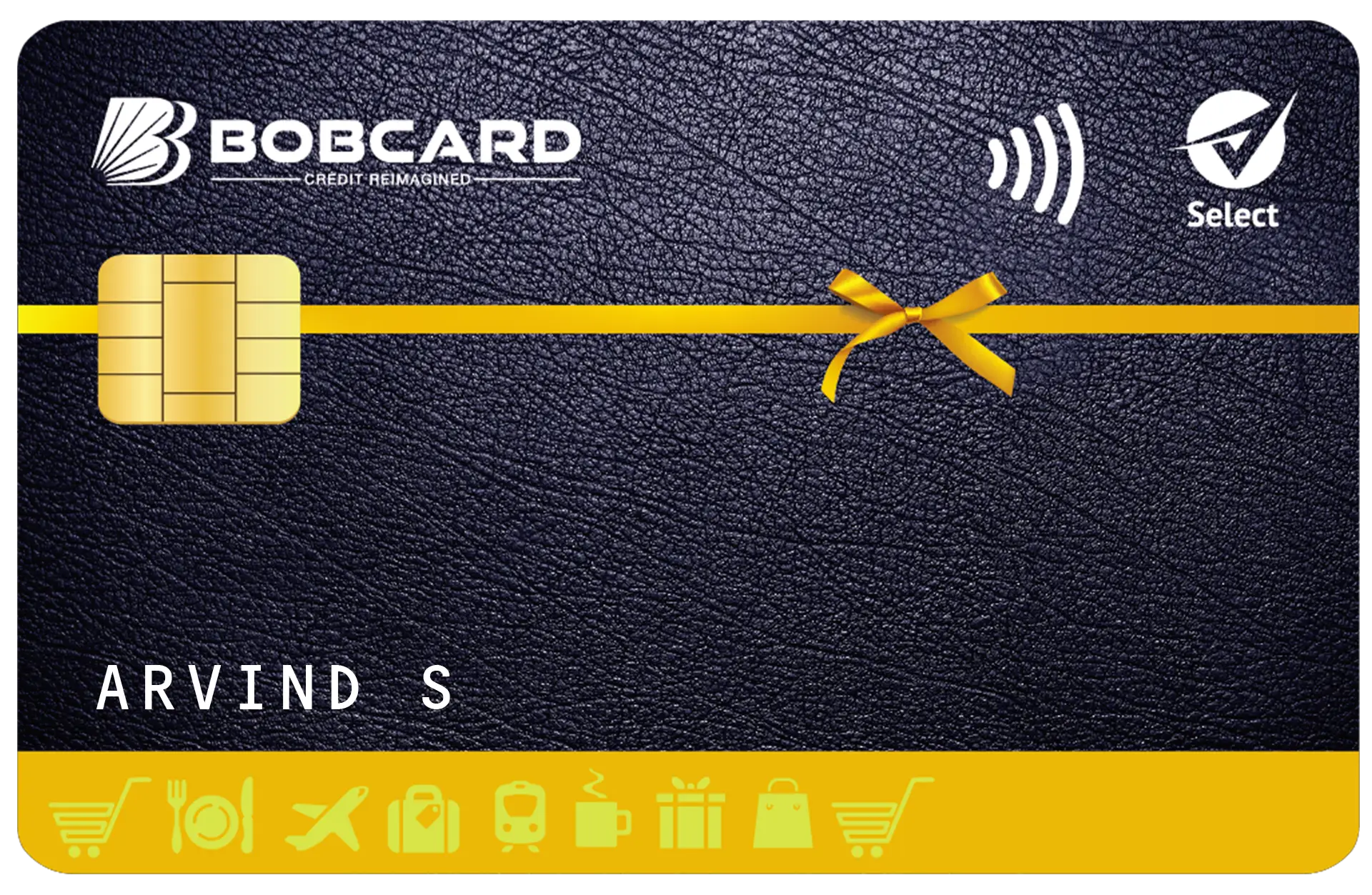
| BOBCARD Select | ₹4.8L/year | ₹750 + GST | Everyday rewards |
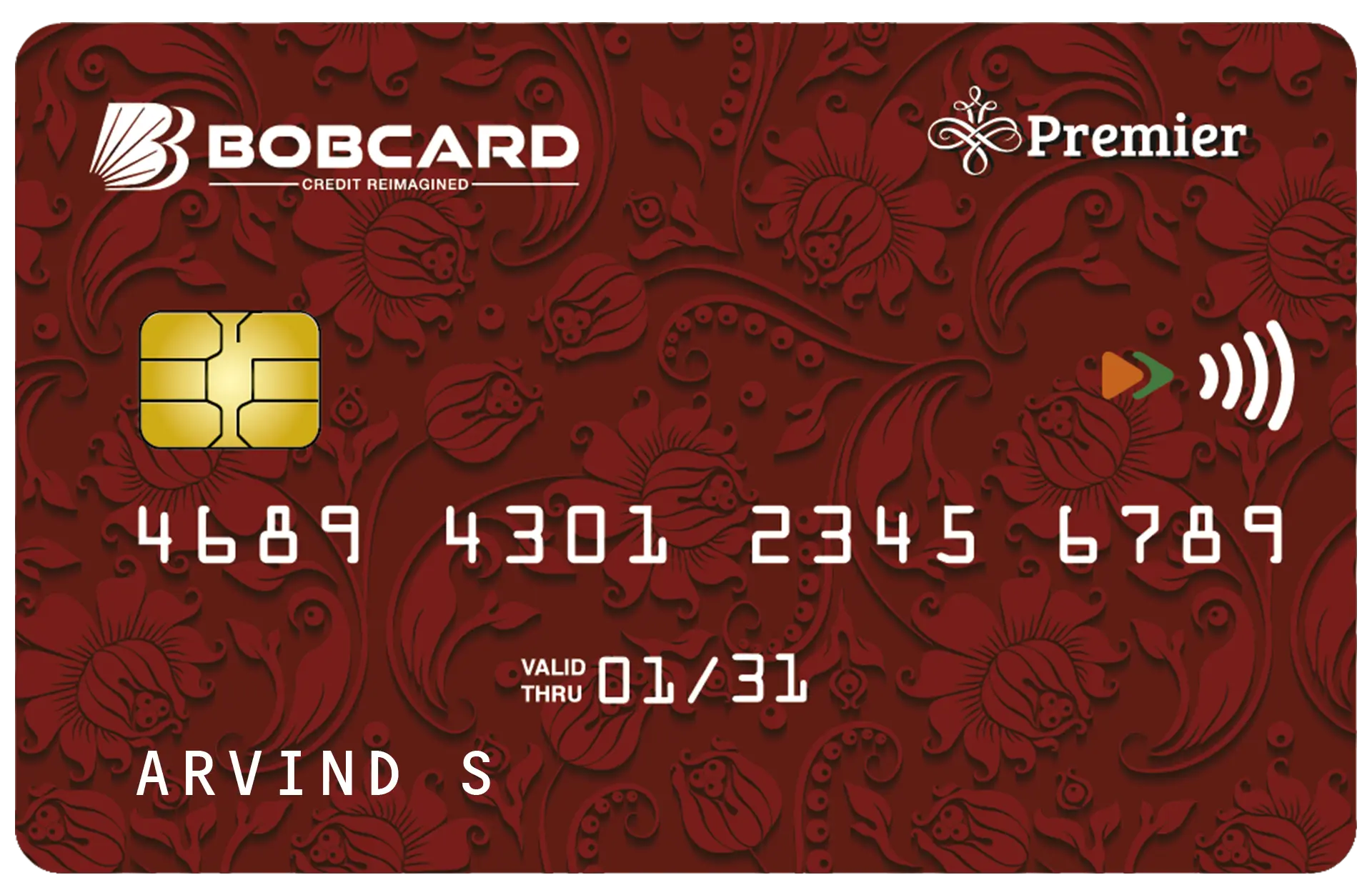
| BOBCARD Premier | ₹7.2L/year | ₹1,499 + GST | Mid-range spenders |
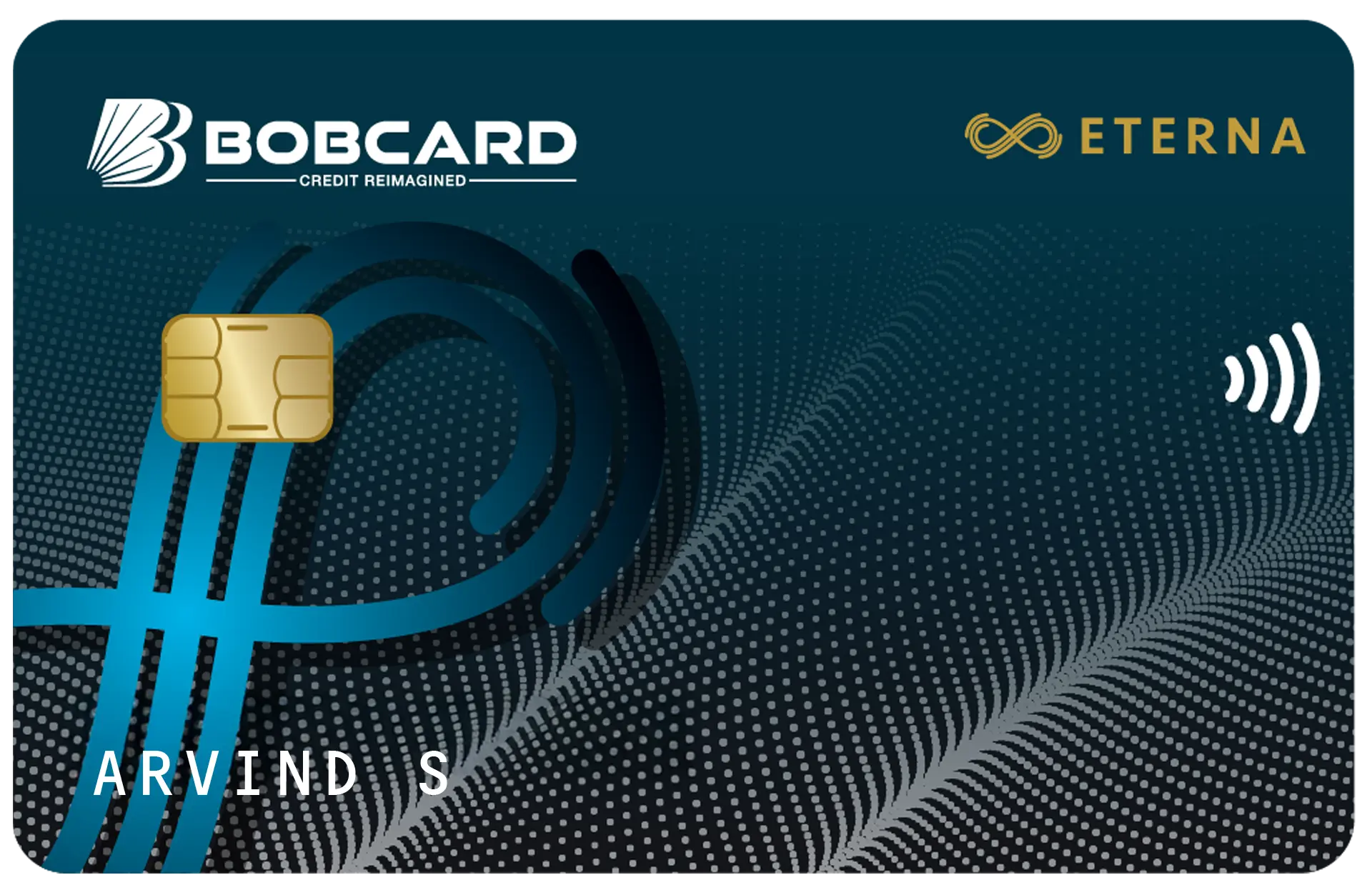
| BOBCARD Eterna | ₹12L/year | ₹2,499 + GST | Premium lifestyle benefits |

How to Apply for Your BOB Pre-Approved Credit Card
Once you have confirmed a pre-approved offer exists on your profile, here is the step-by-step application process:
- Open the Bob World app or log in to internet banking
- Select the pre-approved offer and tap 'Apply Now'
- Confirm your KYC details - Aadhaar, PAN, and date of birth
- Choose your billing date preference (typically 1st, 10th, or 20th of the month)
- Review the offer terms including credit limit, interest rate, and fee waiver conditions
- Submit and receive your application reference number via SMS
Documents Required
Pre-approved applications typically require minimal documentation since BOB already has your KYC on record. You may still need:
- PAN Card (mandatory for all credit card applications)
- Aadhaar Card for address and identity verification
- Latest salary slip or Form 16 if prompted for income verification
- Existing BOB account details (usually auto-populated)
How to Activate Your BOBCARD After Approval
After your card is dispatched and received, you need to activate it before use. BOB offers three activation methods:
Activate via Bob World App
- Log in and go to 'Credit Cards' > 'Manage Card'
- Select your newly received card and tap 'Activate Card'
- Set your 4-digit PIN and confirm
Activate via IVR (Phone)
- Call 1800 103 1906 from your registered mobile number
- Choose the 'Credit Card Activation' option from the IVR menu
- Enter your 16-digit card number and follow prompts to set PIN
Activate at an ATM
- Insert your new BOBCARD at any BOB ATM
- Enter a temporary PIN received via SMS
- Select 'Change PIN' and set your preferred 4-digit PIN
Pre-Approved vs Regular Application: Key Differences
| Parameter | Pre-Approved Application | Regular Application |
|---|---|---|
| Processing Time | 24-72 hours | 5-10 business days |
| Documents Needed | Minimal (KYC already on file) | Full documentation required |
| Approval Chance | High (pre-screened) | Depends on eligibility |
| CIBIL Inquiry | Soft check at offer stage | Hard check at application |
| Credit Limit | Pre-determined by BOB | Based on assessment |
Things to Check Before Accepting a Pre-Approved Offer
- Credit limit offered - ensure it meets your spending needs without over-extending
- Annual fee and waiver condition - some BOBCARD variants waive fees above a spend threshold
- Interest rate (currently 3.5% per month / 42% per annum on BOBCARD) - standard across variants
- Late payment fee - ranges from ₹100 to ₹1,200 based on outstanding amount
- Reward rate and category caps - verify earning rates match your primary spending categories
Why Did My Pre-Approved Offer Disappear?
Pre-approved offers are time-sensitive. If the offer no longer appears on your app or net banking, one of the following may have occurred:
- The offer validity period (typically 30-90 days) has expired
- Your credit profile changed - a new loan, missed payment, or drop in CIBIL score
- You applied and the application is under review or was declined
- BOB ran a fresh credit filter and you no longer meet the updated criteria
In this case, you can still apply for a BOBCARD through the regular application process on card24.ai or the Bob World app.