















































Key Takeaways
- BOBCARD credit card limits operate at two levels: your overall Credit Limit (set by BOBCARD based on your profile and not freely adjustable upward) and per-channel daily transaction limits (which you can manage yourself via the app, portal, or other channels).
- Cash withdrawal is capped at a sub-limit of your overall credit limit - BOBCARD determines this sub-limit at its discretion. The cash withdrawal fee is 2.5% of the amount withdrawn or ₹500, whichever is higher, with interest accruing from day one of withdrawal.
- Contactless (tap-to-pay) transactions without PIN are capped at ₹5,000 per transaction per RBI guidelines - above ₹5,000, a PIN is required even on contactless-enabled POS terminals.
- UPI transactions via RuPay BOBCARD cards are capped at 500 reward points per statement cycle on UPI spend - a rewards limit, not a transaction limit. The UPI transaction amount limit follows NPCI's standard UPI per-transaction cap.
- International transactions do not require OTP authentication per RBI/Visa/Mastercard rules - this is why no OTP is sent for overseas transactions, not a malfunction.
- You can enable or disable specific channels (online, contactless, international) independently via the BOBCARD mobile app under Card Controls. Disabling international transactions when not travelling is a strong security practice.
- BOBCARD does not publish a single universal daily spending limit - limits are credit limit-based and card variant-specific. Always check your personalised limit in the app or portal.
Before looking at channel-specific limits, it helps to understand the two-layer structure that governs all BOBCARD transactions:
Layer 1: Credit Limit (set by BOBCARD)
Your credit limit is the maximum total outstanding balance your BOBCARD account can carry at any point. It is determined by BOBCARD at the time of card issuance, based on your income, credit score, and other profile parameters, and is communicated in your Welcome Letter.
- The outstanding on your card must not exceed the credit limit at any time
- If you exceed it, BOBCARD charges an over-limit fee of 2.5% of the excess amount, subject to a minimum of ₹600 plus GST
- Your available credit limit at any moment = Credit Limit minus current outstanding balance
- Add-on / additional cards share the same credit limit as the primary card - they do not get a separate limit
- You cannot independently increase your credit limit - BOBCARD reviews and revises it at its discretion
Layer 2: Per-Channel Daily Transaction Limits (manageable by you)
Within your overall credit limit, BOBCARD applies separate per-channel controls: how much you can spend at POS, online, contactless, or via ATM on any single day. These defaults can be customised within BOBCARD's permitted maximum for your card variant.
Important: even if your credit limit is ₹5 lakh, you cannot transact more than the per-channel daily limit in a single day through that channel - unless you change it via the app or portal.
Channel-by-Channel Limit Guide
1. POS (Point of Sale - Physical Merchant Terminals)
POS transactions are purchases made by swiping or inserting your BOBCARD at a merchant's card terminal. These require PIN authentication.
- Default daily limit: set by BOBCARD based on your card variant and credit limit - check the BOBCARD app under Card Usage & Limit
- Maximum per transaction: limited only by your available credit limit and the daily POS limit
- PIN required: yes, for all POS transactions above ₹5,000 (and on contactless at all amounts above ₹5,000)
- To check / change: BOBCARD mobile app → Card Controls → Card Usage & Limit → POS limit
Declined POS transactions are sometimes caused by: (a) daily POS limit reached, (b) card not enabled for a specific merchant category, or (c) risk-based decline by BOBCARD's fraud system for unusual spend patterns. If your POS transaction is declined and your balance is sufficient, check the app's Card Controls before calling customer care.
2. Online / E-Commerce (Domestic)
Online transactions include purchases at e-commerce websites and apps (Amazon, Flipkart, MakeMyTrip, etc.) and other internet-based payments like utility bills, OTT subscriptions, and insurance premiums.
- Authentication: all domestic online transactions require OTP (One Time Password) sent to your registered mobile number - this is mandatory per RBI 2-factor authentication guidelines
- Default daily limit: card and variant-specific - check BOBCARD app under Card Usage & Limit → Online/E-Commerce limit
- To check / change: BOBCARD mobile app → Card Controls → enable/disable online transactions, or adjust the daily online limit
- SMS shortcut to enable domestic e-commerce: SMS "DOM XXXX" to 9223172141 (XXXX = last 4 digits of card) - this enables online transactions if they have been disabled
- Per RBI guidelines: online transactions on BOBCARD use dynamic CVV / OTP; no standing instructions without explicit RBI-compliant mandate
3. International Transactions
International transactions are any card-based purchases where the merchant is located outside India, the transaction currency is not INR, or the transaction is processed through an international payment gateway.
- OTP not required: unlike domestic online transactions, international card transactions do not require OTP authentication per RBI / Visa / Mastercard international guidelines. This is by design, not a system error.
- Default state: international transactions may be disabled by default on new cards per RBI's card security guidelines. Check and enable via the BOBCARD mobile app before international travel.
- To enable / disable: BOBCARD mobile app → Card Controls → International transactions toggle
- Forex markup: 3.5% on Visa/Mastercard BOBCARD variants; 2% on Tiara; 0% on BOBCARD Etihad Guest Premium
- Security recommendation: disable international transactions via the app when not travelling abroad - re-enable before your trip and disable on return
4. ATM Cash Withdrawal
BOBCARD can be used to withdraw cash at any ATM bearing the Visa or Mastercard logo, domestically and internationally.
| Parameter | Details |
|---|---|
| Cash withdrawal sub-limit | A portion of your overall credit limit is designated as the cash withdrawal limit. BOBCARD determines this at its sole discretion - it is not the full credit limit. Check your Welcome Letter or the BOBCARD portal/app for your specific cash withdrawal limit. |
| Cash withdrawal fee | 2.5% of the amount withdrawn, or ₹500 - whichever is higher. This fee is charged regardless of whether you repay by the due date. |
| Interest on cash withdrawal | Finance charges accrue from the day of cash withdrawal - there is no interest-free period for ATM cash advances, unlike retail purchases. Finance charges apply until the full amount is repaid. |
| Corporate Cards | Cash withdrawal limit for Corporate Premium Credit Cards was reduced from 40% of credit limit to 20% effective 1 April 2026 per the BOBCARD revision circular. |
| ATM daily cap | Not published as a universal number - varies by card variant and is subject to your cash withdrawal sub-limit. Verify in BOBCARD app or portal. |
Because cash withdrawal carries both a transaction fee and from-day-one interest, it is the most expensive way to use your BOBCARD. Use only as a last resort and repay as quickly as possible after withdrawal.
5. Contactless / Tap-to-Pay
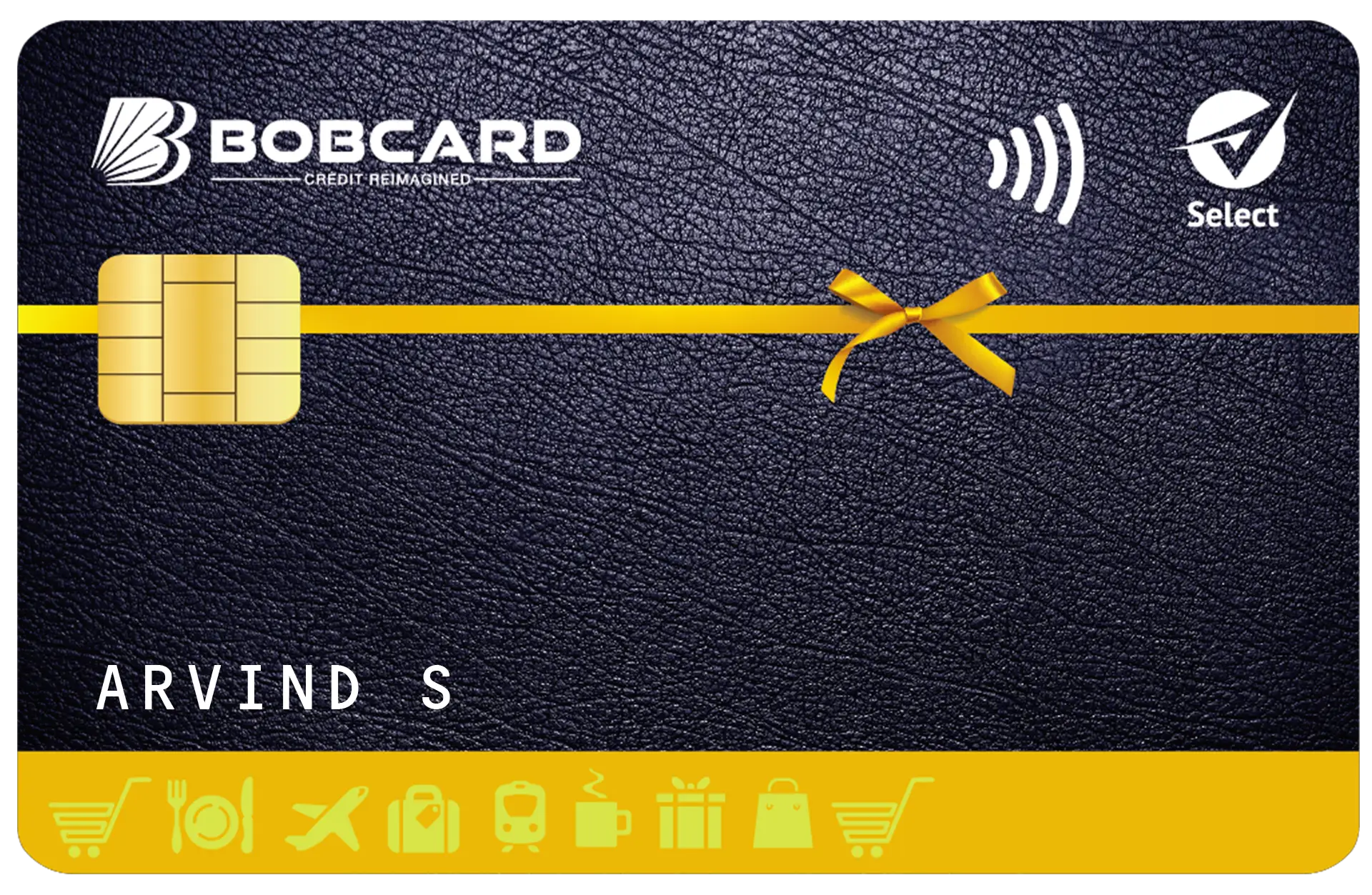
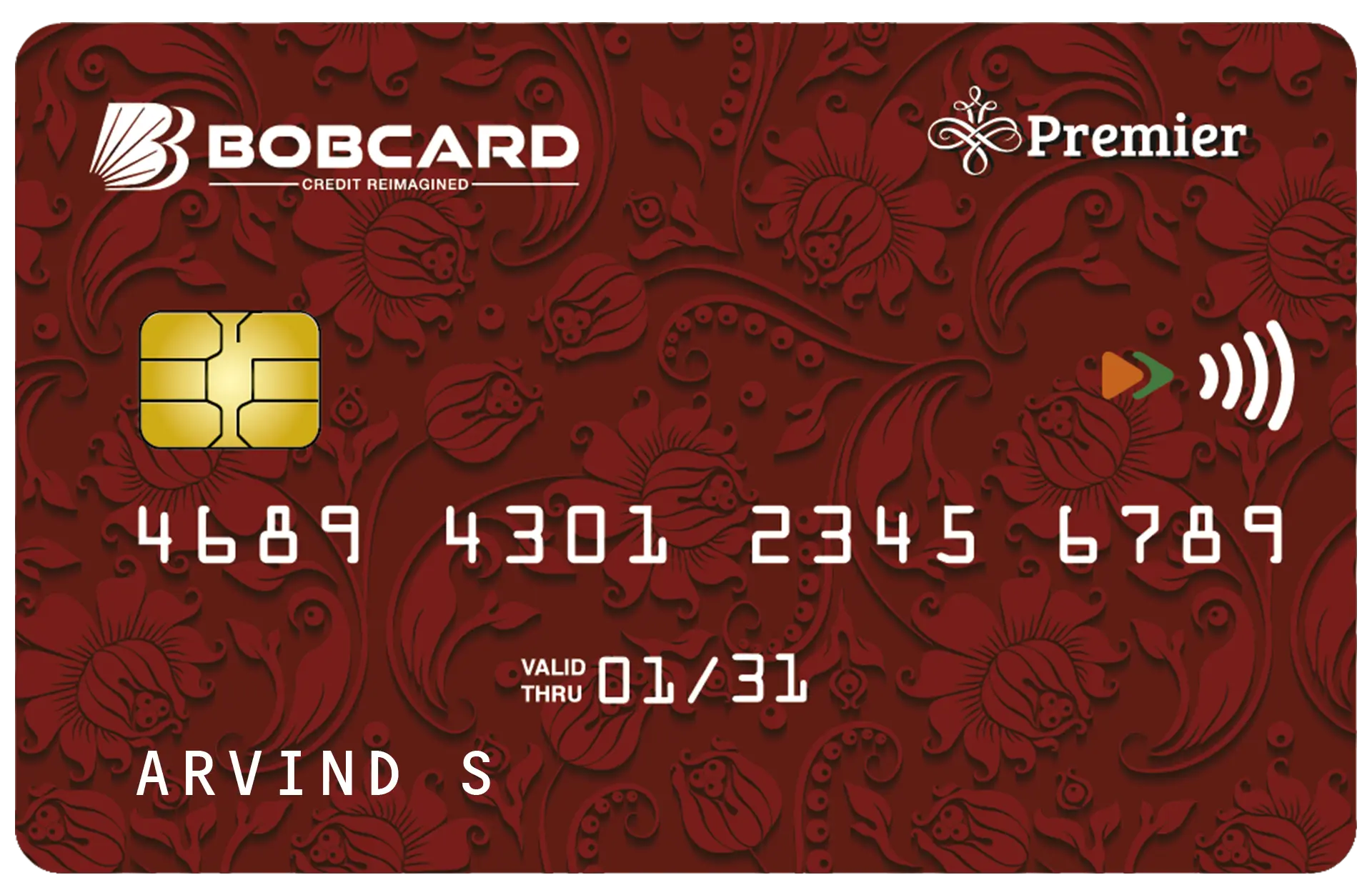
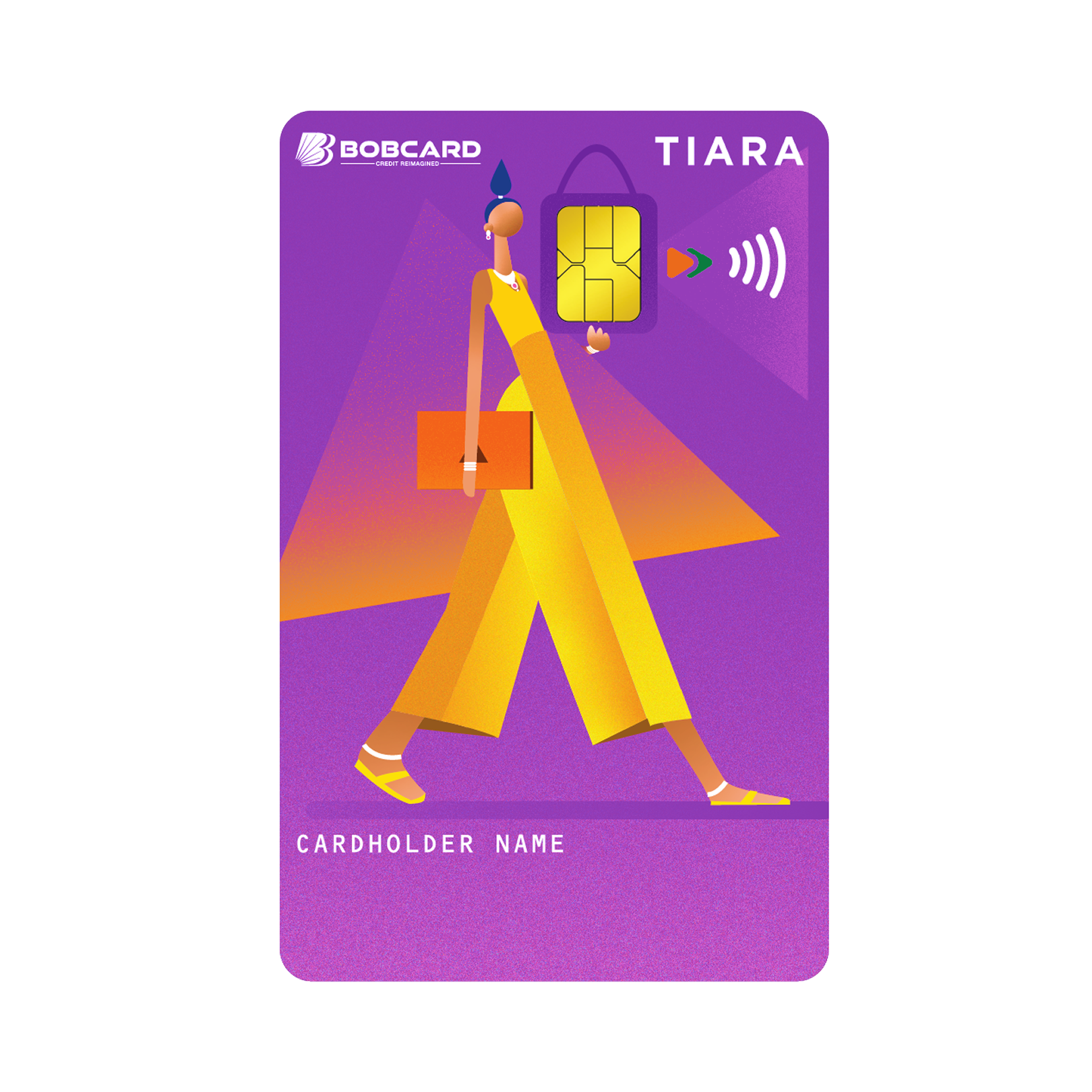
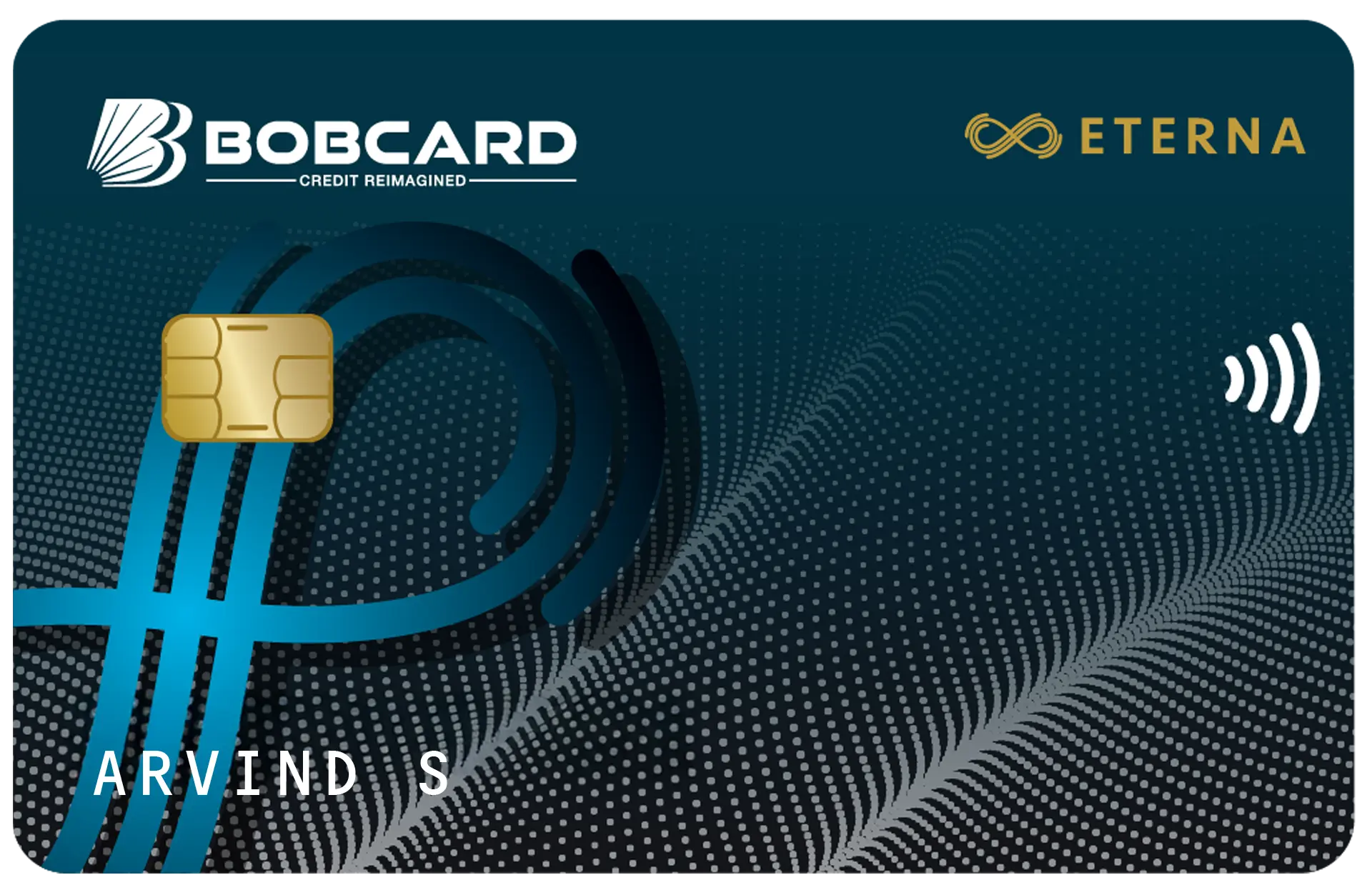
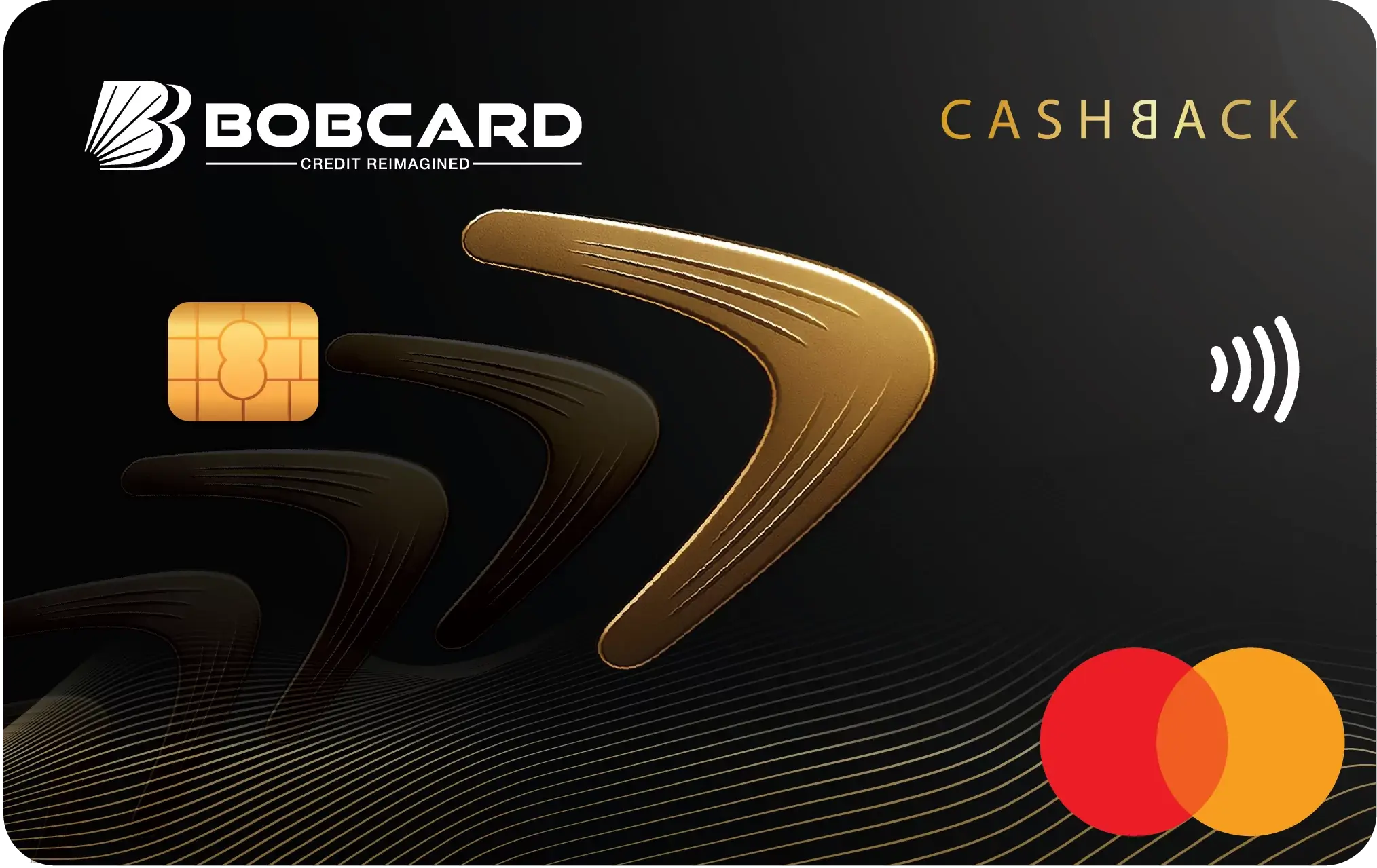
Contactless transactions use the NFC chip in your BOBCARD - you tap the card on an NFC-enabled POS terminal rather than inserting it. Not all BOBCARD variants are contactless-enabled; check whether your physical card has the contactless symbol (the wifi-like waves icon) on the front.
| Parameter | Details |
|---|---|
| Per-transaction limit without PIN | ₹5,000 - per RBI mandate, all contactless transactions above ₹5,000 require PIN entry regardless of the terminal's contactless capability |
| Below ₹5,000 | Tap and go - no PIN required |
| Above ₹5,000 | Card must be inserted and PIN entered, even at contactless-enabled terminals |
| Daily contactless limit | Part of your overall POS daily limit - contactless transactions are not separately capped beyond the ₹5,000 per-transaction PIN threshold |
| Enable / disable | BOBCARD mobile app → Card Controls → Contactless toggle |
6. UPI (RuPay BOBCARD Only)
UPI payments are available only on the RuPay network variant of BOBCARD. Visa and Mastercard BOBCARD variants cannot be linked to UPI apps. If your card has a RuPay logo, you can link it to UPI apps including Google Pay, PhonePe, and Paytm.
- UPI transaction limit: follows NPCI's standard per-transaction UPI limit (currently ₹1 lakh per transaction, ₹2 lakh for specific verified merchant categories) - the credit card UPI limit does not separately cap below these NPCI thresholds
- Reward points on UPI: maximum 500 reward points earned per statement cycle on UPI spends. UPI transactions earn only core reward points - not accelerated bonus points. UPI spend does not qualify for joining benefit reward points.
- Setup: link your RuPay BOBCARD to the UPI app, set a UPI PIN, and complete the first transaction. Detailed steps at bobcard.co.in/rupay-bob-credit-card-on-upi
- To enable domestic e-commerce after linking UPI: SMS "DOM XXXX" to 9223172141 if your card's e-commerce channel is disabled
7. Wallet Loading
Loading money into digital wallets (Paytm wallet, PhonePe wallet, etc.) using your BOBCARD attracts a 1% processing fee and does not earn reward points on most BOBCARD variants. Wallet loads do not count toward fee waiver spend thresholds.
How to Check Your Current Limits
| Channel | How to Check Current Limit |
|---|---|
| BOBCARD Mobile App | Log in → tap your card → Card Controls / Card Usage & Limit section → view and edit limits per channel |
| BOBCARD Customer Portal (portal.bobcard.co.in) | Log in → Account Details → Card Controls or Manage Spending Limits |
| IVR (1800 2090 or 1800 1210) | Balance enquiry via IVR gives available credit limit; for channel-specific limits, the app or portal is required |
| SMS (9223172141) | SMS "BAL XXXX" for current available credit limit (does not show per-channel limits) |
| WhatsApp (+91-7208476628) | Send "BAL XXXX" for balance - per-channel limits require app or portal login |
How to Change Your Transaction Limits
BOBCARD gives cardholders direct control over channel-specific transaction limits. Here is how to change them via each available method:
Via BOBCARD Mobile App (recommended)
- Open the BOBCARD app → log in with MPIN or biometric
- Tap on your card → select Card Controls or Card Usage & Limit
- Select the channel you want to modify: Online, POS, Contactless, International
- Toggle on/off or drag the limit slider to your desired amount
- Confirm with MPIN - the change takes effect immediately
The app also allows you to set individual spending limits for each add-on cardholder independently - useful for controlling spend for family members.
Via BOBCARD Customer Portal (portal.bobcard.co.in)
- Log in with your username and password
- Navigate to Service Request or Account Settings
- Find Card Controls or Manage Spending Limits
- Adjust channel limits as required and confirm
Via SMS (for quick toggles)
- Enable domestic e-commerce: SMS "DOM XXXX" to 9223172141 (XXXX = last 4 digits of card), from registered mobile
- Block card immediately: SMS "BLOCK XXXX" to 9223172141 - card is blocked the moment BOBCARD receives this; confirmation SMS sent within minutes
SMS service does not support full limit adjustment - only the specific commands listed. For granular limit changes, use the app or portal.
Via WhatsApp (+91-7208476628)
- Send "Hi" to initiate the BOBCARD WhatsApp service
- Use "BLOCK XXXX" to block the card if lost
- Use "DOM XXXX" to enable domestic e-commerce transactions
Full limit management via WhatsApp is limited - the app or portal offers more granular control.
Via Customer Care IVR (1800 2090 / 1800 1210)
- The IVR self-service menu includes card blocking and PIN generation/reset
- For limit changes beyond what SMS or WhatsApp supports, the IVR connects you to an agent who can assist
- Active IVR helpline numbers: 1800 2090 and 1800 1210. For Eterna cardholders: 1800 103 1002
- Discontinued numbers (effective 15 June 2026): 18002665100, 18002667100, 18001031006 - do not use these
Security Best Practices for Managing BOBCARD Limits
- Disable international transactions in the BOBCARD app when not travelling abroad - re-enable the day before departure and disable again on return. This eliminates the largest category of card fraud.
- Lower your contactless limit to ₹2,000–₹3,000 if you rarely use tap-to-pay for large amounts - any transaction above ₹5,000 will require PIN regardless.
- Set individual limits for add-on cardholders in the BOBCARD app - particularly useful for student add-on cards or family members with different spending needs.
- Check your available credit limit and recent transactions weekly via the BOBCARD app or via SMS "BAL XXXX" - early detection of unauthorised transactions reduces your exposure.
- If your card is lost or you suspect fraud: SMS "BLOCK XXXX" to 9223172141 immediately for instant blocking, then call 1800 2090 for replacement card request.

Frequently Asked Questions
Disclaimer
Transaction limits, channel controls, and fee structures are subject to change. The April 2026 BOBCARD revision reduced cash withdrawal limits for Corporate Premium cards from 40% to 20%. The 1% fee on education payments via third-party platforms (MobiKwik, NoBroker, Paytm, PhonePe, SuperPe) applies from 1 April 2026 across all BOBCARD variants. Verify current limits and controls in the BOBCARD mobile app or at portal.bobcard.co.in. This article is for informational purposes only and does not constitute financial advice. All card features, fees, benefits, and terms are subject to change. Data sourced from bobcard.co.in and BOBCARD MITC Ver 19 (April 2026). BOBCARD card issuance is at BOBCARD Limited's sole discretion. Readers are advised to refer to the Most Important Terms and Conditions (MITC) available at bobcard.co.in before making any financial decision. BOBCARD Limited (formerly BOB Financial Solutions Limited) is a 100% subsidiary of Bank of Baroda and an RBI-regulated entity.