








































Table of Contents
- 1. Key Takeaways
- 2. Why Etihad Miles Sometimes Do Not Post Automatically
- 3. What You Can and Cannot Claim
- 4. Step-by-Step: How to Claim Missing Etihad Flight Miles
- 5. Claiming Partner Miles: Hotels, Car Hire, and Retail
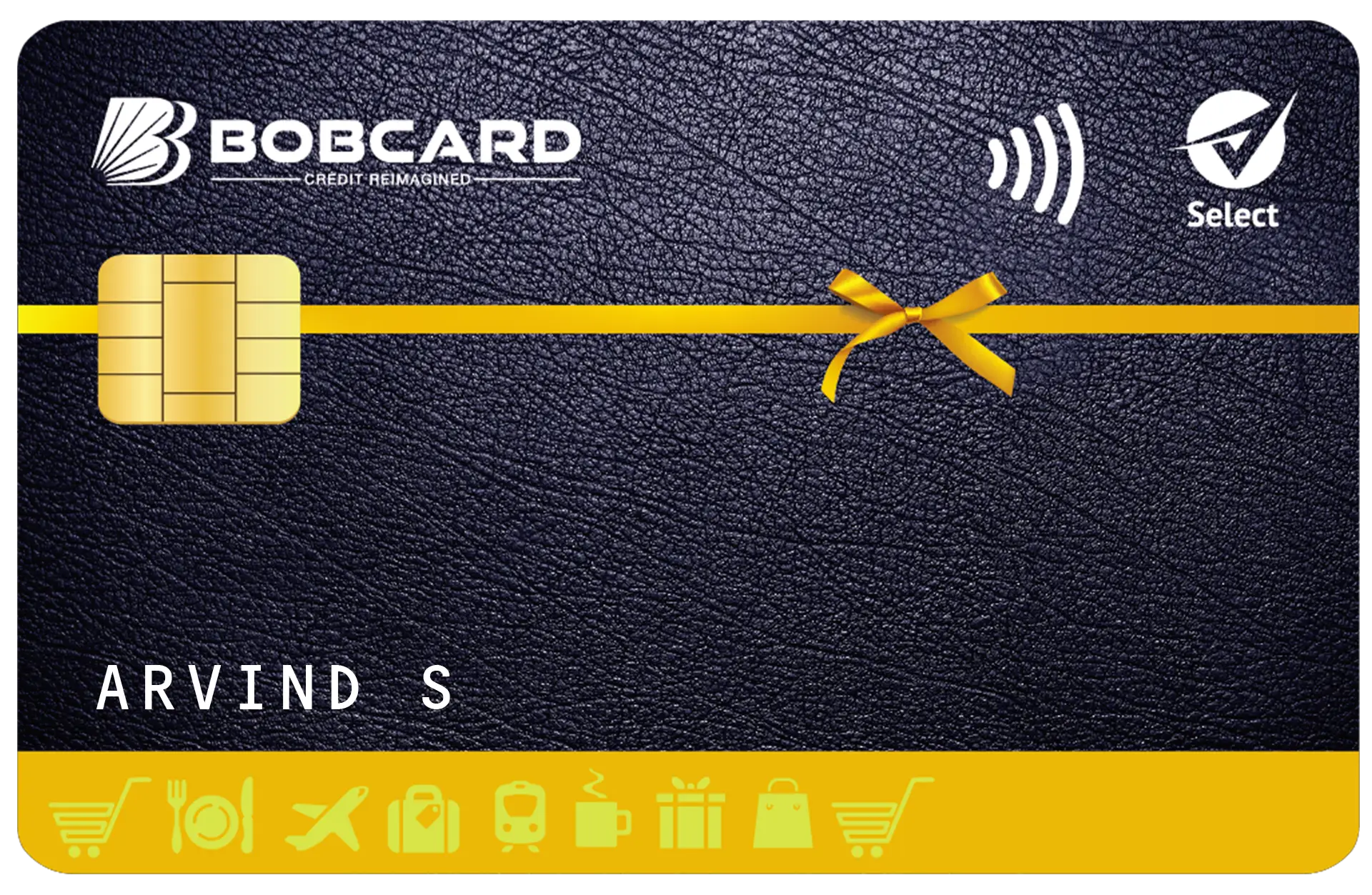
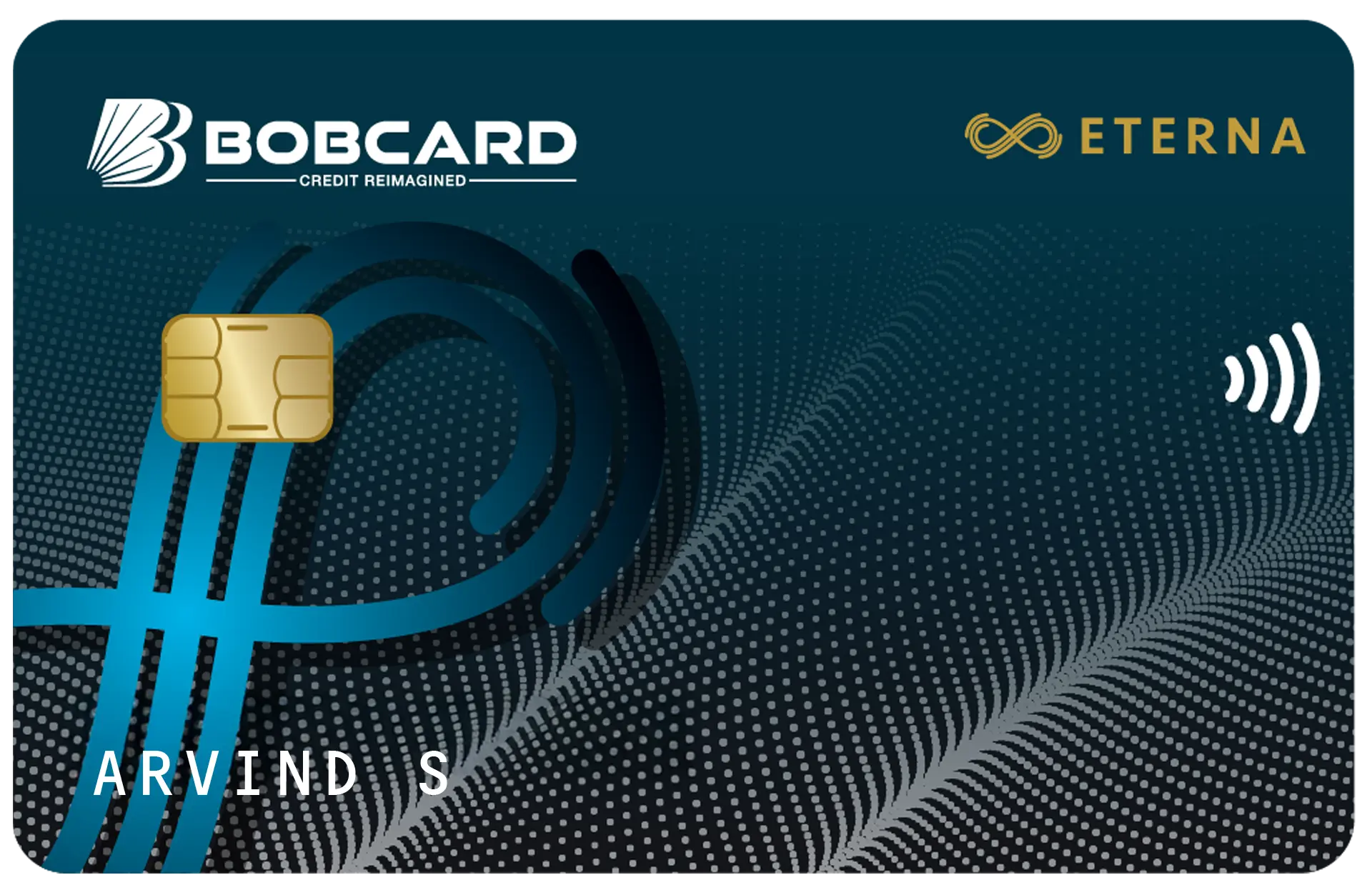
- 6. BOBCARD Etihad Cardholders: Separate Process for Card Spend Miles
- 7. What to Do If Your Claim Is Rejected
- 8. Prevention: How to Ensure Miles Never Go Missing
- 9. Frequently Asked Questions
Key Takeaways
- The deadline to claim missing Etihad Guest Miles from a flight is 6 months from the date of travel. Claims after this window are typically not accepted.
- You can claim miles for Etihad flights taken up to 3 months before you joined Etihad Guest - but not for any activity before that 3-month pre-enrolment window.
- Miles are usually auto-credited within a few days of flying. If they have not appeared after 7 to 14 days, it is time to submit a retroclaim.
- The primary claim route for Etihad flights is the online form in your Etihad Guest account (My Account > Claim Missing Miles). Email to guest@etihadguest.com is an alternative.
- For missing miles from partner transactions (hotels, car hire, retail), contact the partner directly within 6 months and provide your Etihad Guest membership number and transaction evidence.
- BOBCARD Etihad cardholders whose card spend miles are missing should contact BOBCARD customer care on 1800 103 1006, not Etihad Guest directly.
- Keep all boarding passes and booking confirmations until miles are confirmed in your account - this is your only evidence for a retroclaim.
Why Etihad Miles Sometimes Do Not Post Automatically
Most Etihad Guest Miles from flights post automatically within a few days of completing travel. However, miles can go missing for several common reasons:
- Your Etihad Guest membership number was not attached to the booking at the time of ticketing or check-in.
- The flight was booked through a third-party travel agency, OTA (online travel agent), or corporate booking tool that did not pass the membership number to Etihad.
- A ticket upgraded using Guest Miles or cash was incorrectly classified by the system as a redemption booking, earning zero Guest Miles or Tier Miles.
- Technical processing errors on Etihad's end, which are more common for tickets with multiple connections or partner-operated segments.
- Your Etihad Guest number was entered incorrectly at the time of booking (transposed digits are a common cause).
In all these cases, a retroclaim allows you to correct the record and receive the miles owed to you - provided you act within the 6-month deadline.
Critical: The 6-Month Deadline. Etihad Guest imposes a strict 6-month time limit for retroclaims from the date of the flight or transaction. If you miss this window, Etihad will not process the claim regardless of the amount of miles involved. Check your account statement every month.
What You Can and Cannot Claim
| Scenario | Can You Claim? | Deadline |
|---|---|---|
| Etihad flight taken after joining Etihad Guest | Yes | Within 6 months of flight date |
| Etihad flight taken up to 3 months before joining | Yes (email to guest@etihadguest.com) | Must join and claim before 9 months from flight date |
| Etihad flight taken more than 3 months before joining | No | Not claimable |
| Partner airline flight (marketed by Etihad only) | Yes | Within 6 months of flight date |
| Hotel, car hire, or retail partner transaction | Yes - contact partner directly | Within 6 months of transaction |
| BOBCARD Etihad card spend miles | Yes - contact BOBCARD, not Etihad | As per BOBCARD's process |
| Miles from a cancelled or no-show flight | No | No miles earned on no-show bookings |

Step-by-Step: How to Claim Missing Etihad Flight Miles
Step 1 - Check Your Account First
Log in to your Etihad Guest account at etihad.com and check your miles activity statement. Miles from a completed flight typically post within 3 to 7 days. Wait at least 7 to 14 days after your flight before submitting a retroclaim, unless you are approaching the 6-month deadline.
Step 2 - Gather Your Documents
You will need the following documents for your claim. Do not attempt to submit without them, as incomplete claims are rejected or significantly delayed.
- Boarding pass - original physical or digital boarding pass. A screenshot of the mobile boarding pass from your phone's Wallet or Passbook is acceptable.
- Booking confirmation / e-ticket - the email confirmation showing your ticket number (usually 13 digits starting with a 3-digit airline code).
- Your Etihad Guest membership number.
- Flight details - flight number, departure date, origin and destination airports.
Step 3 - Submit the Online Retroclaim Form
This is the recommended route for Etihad-operated flight claims:
- Log in to your Etihad Guest account at etihad.com.
- Navigate to My Account > Claim Missing Miles.
- Select the flight type: Etihad flight or Partner airline flight.
- Enter the flight details: flight number, travel date, origin, and destination.
- Upload a copy of your boarding pass and booking confirmation.
- Submit the form. You will receive a reference number by email.
Processing typically takes a few days to 2 weeks. Complex cases involving upgraded tickets or codeshare flights may take longer.
Step 4 - Email Route (Alternative to Online Form)
If the online claim form is unavailable or you are claiming miles for a flight taken before you joined Etihad Guest (within the 3-month pre-enrolment window), send an email to:
guest@etihadguest.com
Include in your email:
- Your full name as registered on your Etihad Guest account.
- Your Etihad Guest membership number.
- Flight number, travel date, and route.
- Attached copies of your boarding pass and booking confirmation.
Response times via email can vary. If you do not receive acknowledgment within 5 to 7 business days, follow up with a reply to the same email thread to preserve the original reference.
Claiming Partner Miles: Hotels, Car Hire, and Retail
When miles from a hotel stay, car hire, or retail partner do not appear in your Etihad Guest account, the claim process is different. You cannot claim these directly from Etihad Guest - you must contact the partner company directly.
- Contact the partner's customer service (hotel front desk, car hire company, retail brand) within 6 months of the transaction date.
- Provide your Etihad Guest membership number, the transaction date, and your receipt or booking confirmation.
- The partner will verify the transaction and instruct Etihad Guest to credit the miles to your account.
If the partner is unresponsive or unable to resolve the issue, you may escalate to Etihad Guest via email at guest@etihadguest.com with documentation of your attempt to contact the partner.

BOBCARD Etihad Cardholders: Separate Process for Card Spend Miles
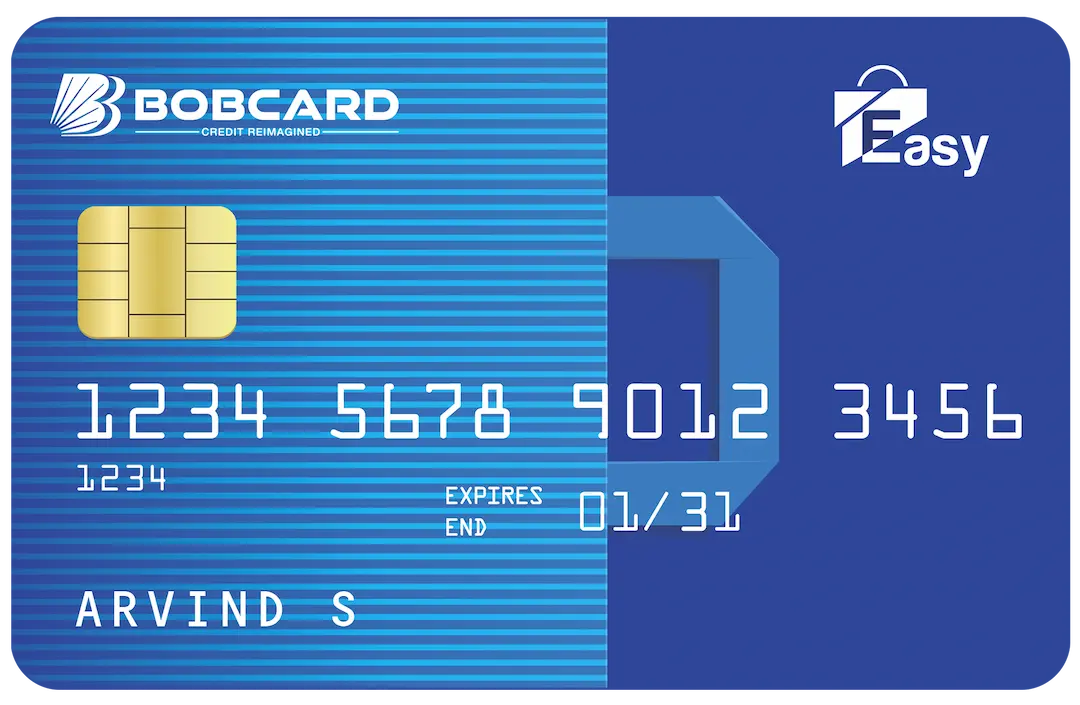
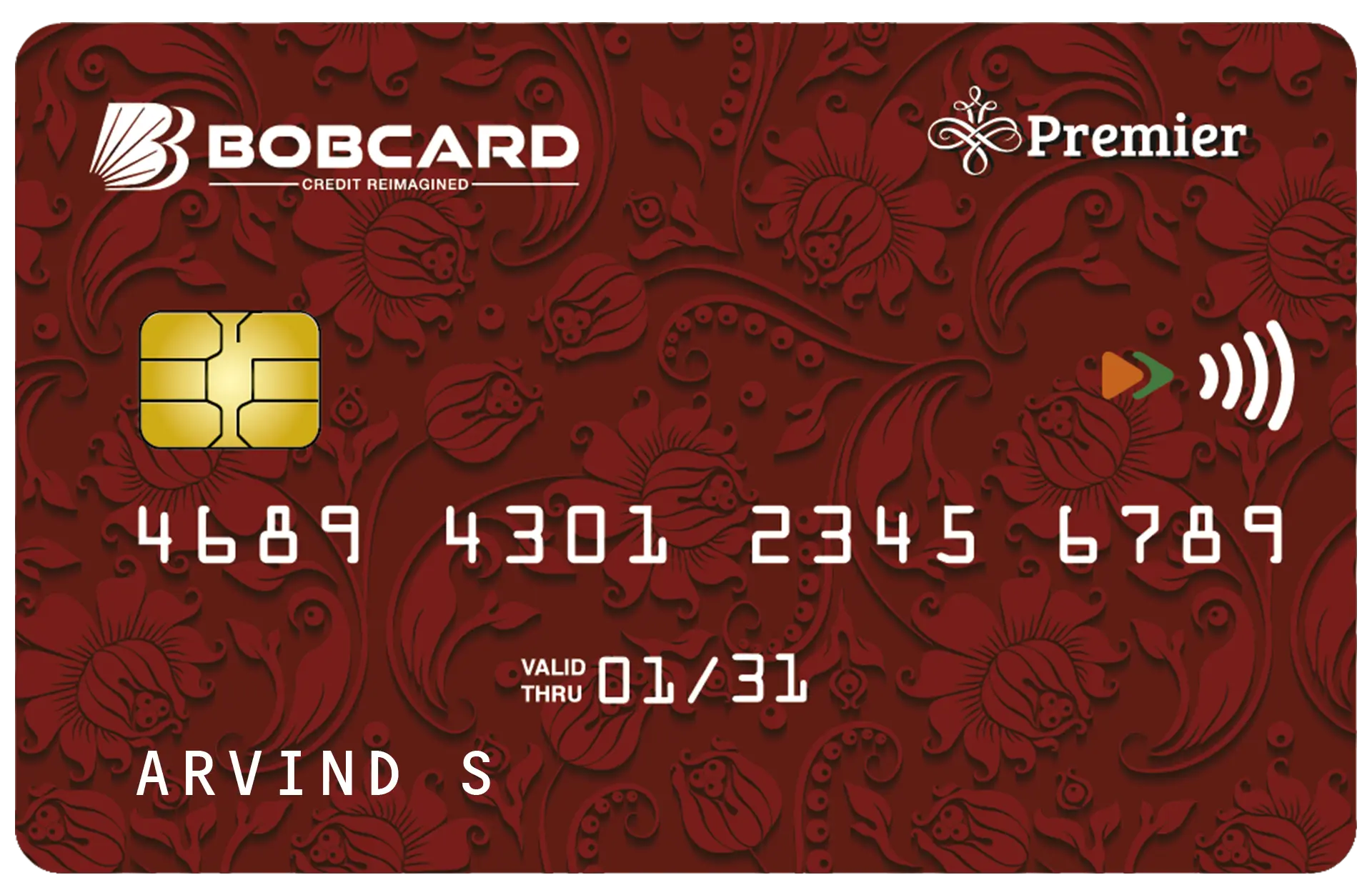
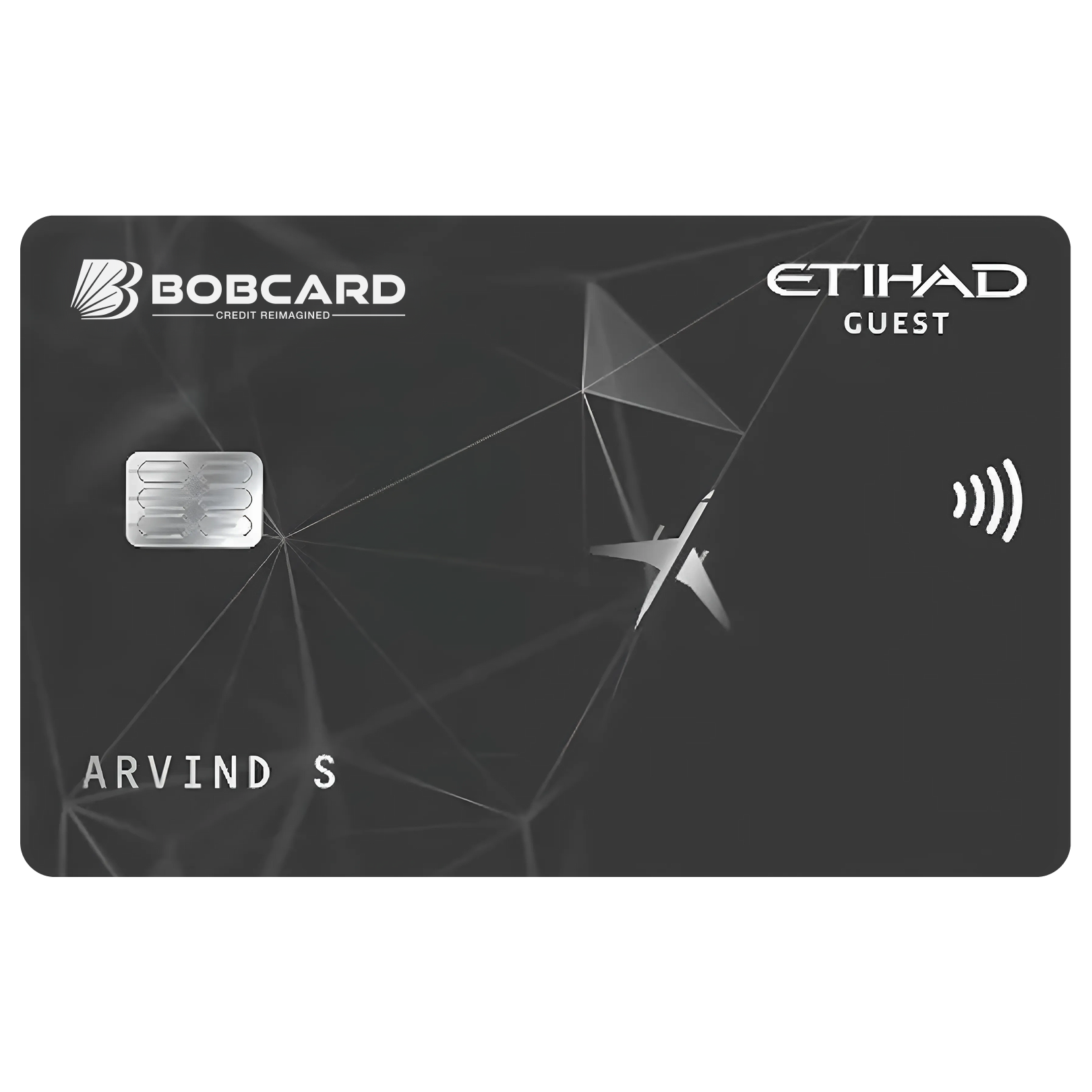
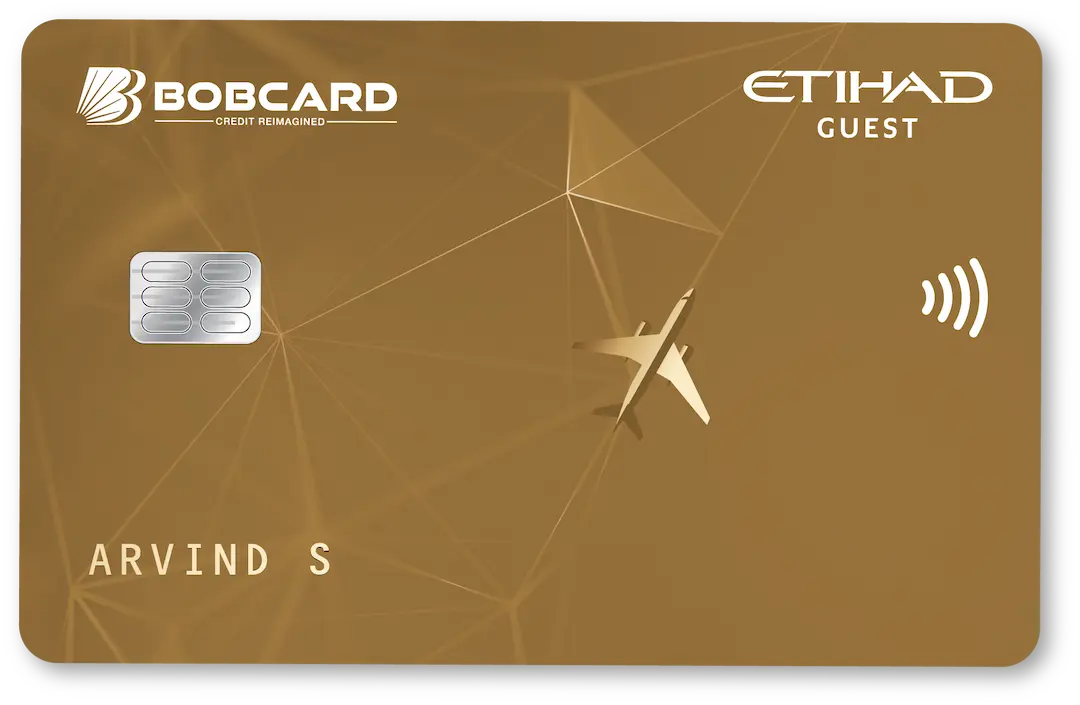
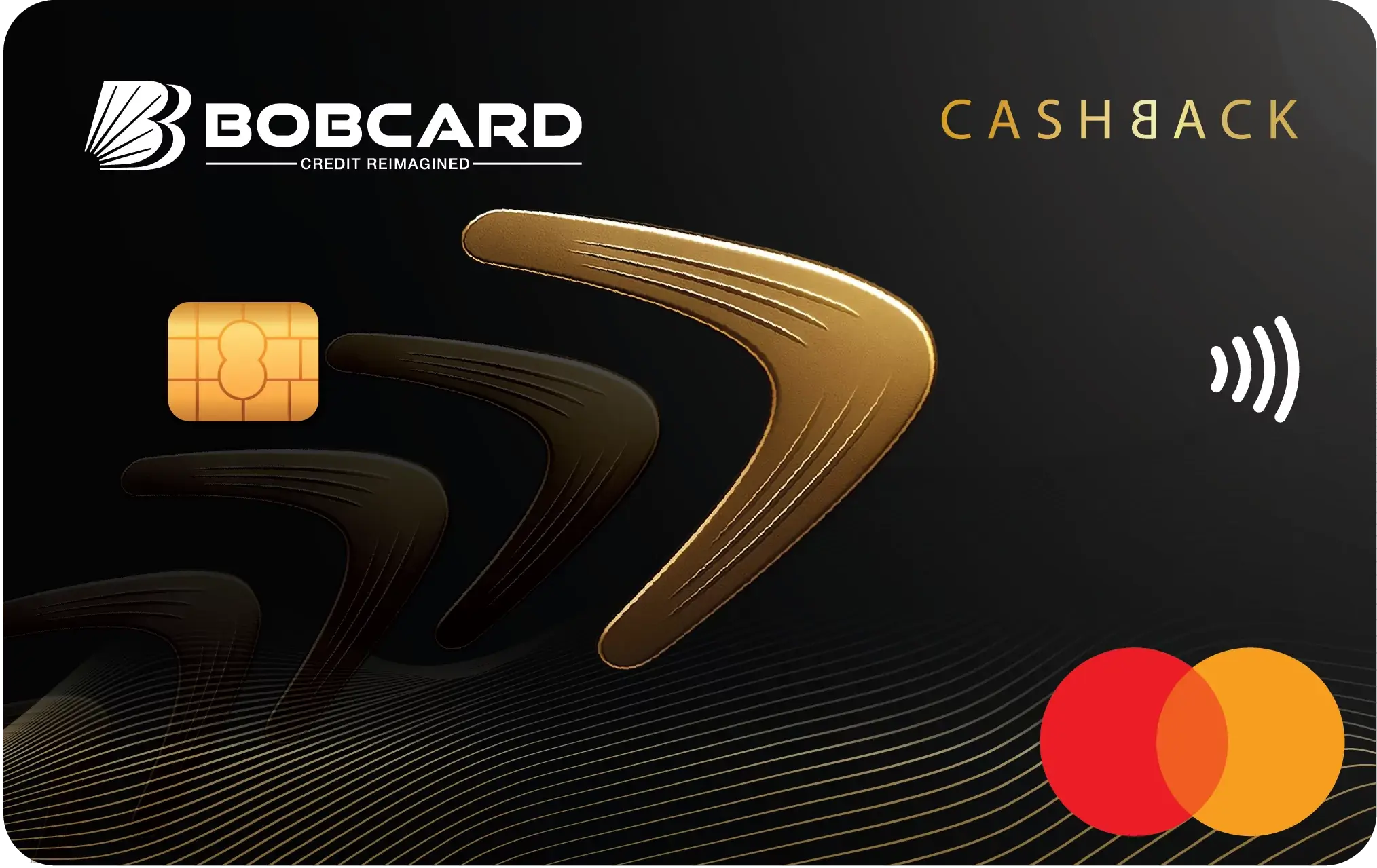
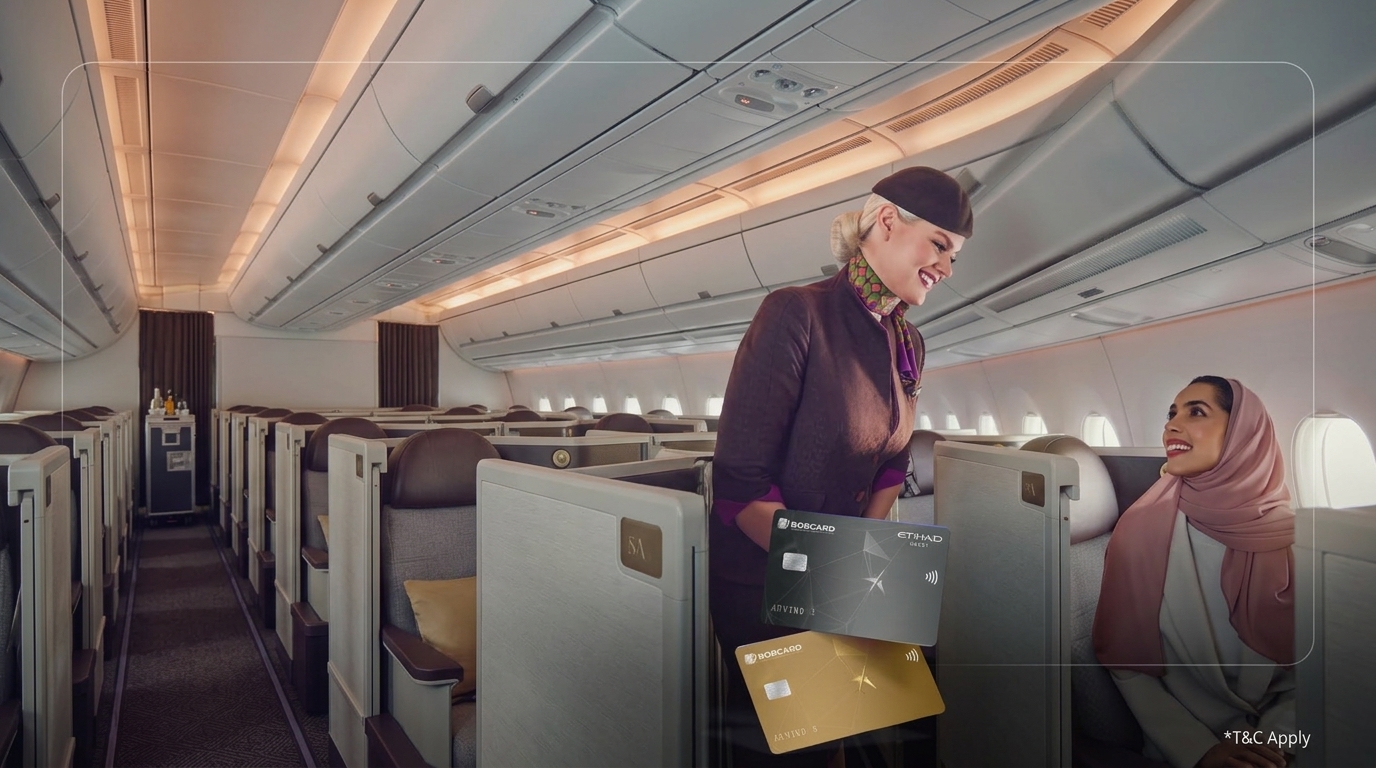
If miles from your BOBCARD Etihad card spends - either the Standard or Premium variant - are missing from your Etihad Guest account, the process is different from flight retroclaims. Card spend miles are posted by BOBCARD, not by Etihad.
Important: Contact BOBCARD, not Etihad Guest, for missing card spend miles. Etihad Guest cannot see or correct BOBCARD card spend transactions.
Steps for BOBCARD Etihad cardholders:
- Check your BOBCARD monthly statement to confirm the transaction posted and the miles were calculated correctly.
- Log in to the BOBCARD app or portal and check your miles activity. There may be a posting delay of a few days after your statement cycle closes.
- If miles are still missing after a full statement cycle has closed, call BOBCARD customer care on 1800 103 1006 (toll-free) and quote the specific transactions and dates.
- BOBCARD will investigate and, if the miles were not posted correctly, initiate a credit to your Etihad Guest account. This can take 7 to 21 working days in complex cases.
Keep your BOBCARD statements and note any transactions where the miles earned appear lower than expected. The earn rate for the BOBCARD Etihad Guest Premium is 6 miles per Rs 100 on Etihad.com and 2 miles per Rs 100 on all other spends. If your statement shows fewer miles, that is the basis of your claim.
For a reminder of the correct earn rates by card variant, see Best Credit Card for Etihad Miles in India 2026.
What to Do If Your Claim Is Rejected
Etihad Guest may reject a retroclaim if:
- The 6-month deadline has passed.
- Insufficient documentation was provided (no boarding pass, no booking confirmation).
- The flight was on a non-partner airline or in a fare class that earns zero miles.
- The booking was a redemption award ticket (award flights generally earn no Guest Miles on the credited segment itself - check the terms of your specific award type).
If you believe your claim was incorrectly rejected:
- Reply to the rejection email with your reference number and additional supporting documentation.
- Escalate via the Etihad Guest feedback form on etihad.com with your claim reference number.
- If the claim involves a large number of miles, request a formal review and ask for the specific reason for rejection in writing.
Prevention: How to Ensure Miles Never Go Missing
The best retroclaim is the one you never need to make. These habits prevent the majority of missing miles situations:
- Always add your Etihad Guest number at booking. Enter it when booking directly on etihad.com or via your travel agent. Do not rely on adding it at check-in - systems sometimes do not sync correctly.
- Verify your number before completing the booking. Transposed digits (e.g. entering your number as 123456789 instead of 123456798) are one of the most common causes of missing miles and are invisible until you check your statement.
- Add your membership number at online check-in. If you forgot to include it at booking, add it when you check in online (typically 24 to 48 hours before departure) or at the airport check-in desk.
- Save all boarding passes until miles post. For physical boarding passes, photograph them before discarding. For mobile boarding passes, screenshot and save to a dedicated travel folder. Delete only after confirming miles appear in your account.
- Check your statement within 7 days of each flight. The earlier you spot a missing miles issue, the easier the claim is to resolve and the further you are from the 6-month deadline.
- For partner transactions, give your Etihad Guest number at the time of the transaction. Hotels, car hire desks, and retail partners need your number at the point of purchase to auto-credit miles. Retroactive partner claims are more complex and time-consuming.
For more on keeping your accumulated miles safe from expiry, see Etihad Guest Miles Expiry Guide: How to Keep Your Miles Alive. For the full picture on earning miles through the BOBCARD Etihad card, see Etihad Guest Miles Value in INR 2026.

Frequently Asked Questions
Disclaimer: This article is for informational purposes only and does not constitute financial advice. Missing miles claim procedures, deadlines, and contact details are based on official Etihad Guest program information available at etihad.com as of June 2026 and are subject to change. BOBCARD Limited is a 100% subsidiary of Bank of Baroda and an RBI-regulated entity. Always verify current claim procedures at etihad.com and current card earn rates at bobcard.co.in before taking action.