
























Table of Contents
- 1. Key Takeaways
- 2. Step 1: Accessing Your BOB Credit Card Online - Login Guide
- 3. Step 2: Paying Your BOB Credit Card Bill Online
- 4. Step 3: Viewing and Downloading Your Credit Card Statement
- 5. Step 4: Managing Reward Points Online
- 6. Step 5: Managing Card Settings Online
- 7. Keeping Your Account Secure Online
- 8. Frequently Asked Questions
Key Takeaways
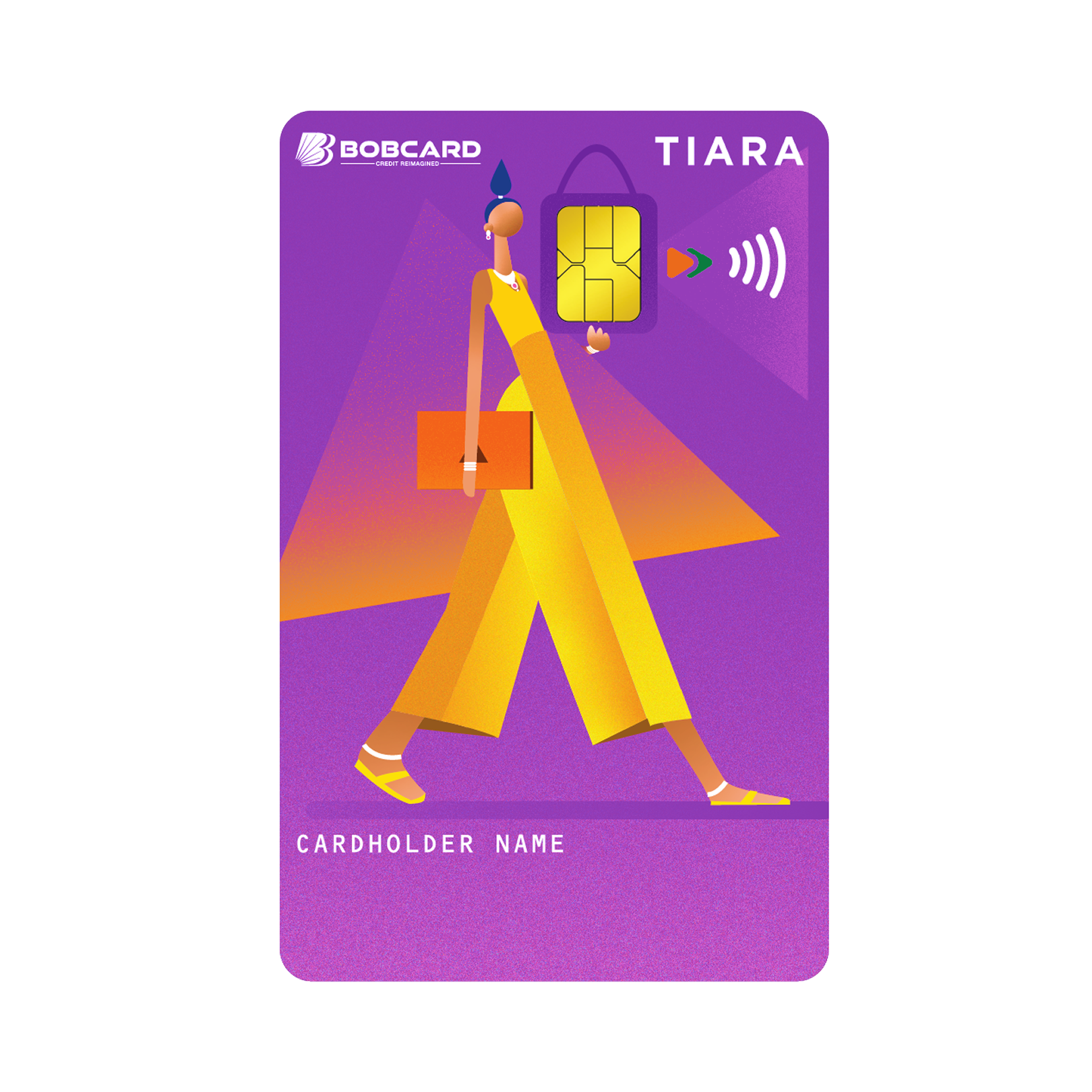
- The primary online platforms for BOB credit card management are the BOBCARD portal (bobcard.co.in) and the BOB World app. Both provide full credit card management capability.
- 'bob credit card login' is the most searched BOBCARD keyword in India at 27,100 monthly searches - login access is the most critical first step for all online management.
- 'bob credit card bill payment' and 'bob credit card payment online' each generate 720 monthly searches - confirming that online bill payment is the most frequently needed function after login.
- 'bobcard payment' generates 1,900 monthly searches - covering both portal payment and third-party payment gateways like Billdesk and NEFT.
- Statements, reward points, EMI management, credit limit tracking, and card settings can all be managed online without any branch visit or phone call.
- Set up auto-pay (NACH mandate) for at least the minimum due amount to eliminate the risk of a missed payment that damages your CIBIL score.
Step 1: Accessing Your BOB Credit Card Online - Login Guide
BOBCARD Portal Login
The BOBCARD portal at bobcard.co.in is the dedicated credit card management website. First-time users must register before logging in.
Registration (one-time): Visit bobcard.co.in, click Register / New User, enter your 16-digit credit card number, date of birth, and registered mobile number. Verify with OTP. Create a username (email address) and password. Login thereafter uses this username and password with OTP on first access from any new device.
Returning user login: Visit bobcard.co.in, click Login, enter email and password, complete CAPTCHA, and you are in. The dashboard displays your current balance, available credit limit, last statement amount, payment due date, and recent transactions.
BOB World App Login
The BOB World app is available on Android (Google Play) and iOS (App Store). Download the app, register with your BOB account or BOBCARD number, and set an MPIN for future logins. Once set up, the app opens with a 6-digit MPIN entry or biometric authentication - the fastest daily access method. Tap 'Credit Card' on the home screen to reach your credit card dashboard.
Dashboard: What You See After Login
| Dashboard Element | What It Shows | Why It Matters |
|---|---|---|
| Outstanding Balance | Total amount currently owed | Know exactly what you owe before due date |
| Available Credit Limit | Credit remaining for use | Manage utilisation below 30% |
| Minimum Amount Due | Minimum required payment | Pay at least this to avoid late fee |
| Total Amount Due | Full statement balance | Pay in full to avoid interest |
| Payment Due Date | Date by which payment must be made | Never miss this - mark in calendar |
| Last Statement Date | When last billing cycle closed | Reference for statement download |
| Recent Transactions | Last 5 to 10 posted transactions | Quick fraud check on login |
Step 2: Paying Your BOB Credit Card Bill Online
This is the most time-sensitive function - missing the payment due date incurs a late payment fee of Rs 100 to Rs 1,300 depending on outstanding amount, and more critically, marks a missed payment on your CIBIL report. There are five online payment methods available for BOB credit card holders.
Payment Method 1: BOBCARD Portal - Direct Payment
Log in to bobcard.co.in. Click 'Pay Now' or 'Make Payment' on the dashboard. Select payment amount: minimum due, total due, or custom amount. Choose payment mode: net banking (any bank), UPI, or debit card. Complete the transaction. Payment is credited within 1 to 3 working hours for net banking and UPI, and within 2 working days for some debit card transactions.
Payment Method 2: BOB World App
Open the BOB World app. Navigate to Credit Card. Tap 'Pay Bill' or 'Make Payment'. If you have a linked Bank of Baroda savings account, you can pay directly from your BOB account balance in seconds. For non-BOB account payments, use the UPI or net banking option. BOB World app payment from a linked BOB account is the fastest payment method - typically real-time.
Payment Method 3: NEFT from Any Bank Account
Any Indian bank account can pay a BOBCARD bill via NEFT using the credit card's IFSC and account number format. This is the preferred method for non-BOB account holders who want to pay from their HDFC, ICICI, Axis, or other bank account without going through a payment gateway.
| NEFT Payment Detail | Value |
|---|---|
| Beneficiary Name | Your full name as per BOBCARD account |
| Bank Name | Bank of Baroda |
| IFSC Code | BARB0BOBCRD (standard BOBCARD NEFT IFSC) |
| Account Number | Your 16-digit BOBCARD credit card number |
NOTE: NEFT payments take up to 2 working hours during banking hours (8 AM to 7 PM on weekdays). Initiate NEFT payments at least 1 working day before the due date to ensure timely credit.
Payment Method 4: UPI Payment
BOBCARD's UPI Virtual Payment Address (VPA) allows payment directly from any UPI app - Google Pay, PhonePe, Paytm, BHIM. In the UPI app, select 'Credit Card Bill Payment' or 'Pay to UPI ID'. The BOBCARD UPI ID / VPA format is typically your 16-digit card number followed by @bobcard or @icici (varies - verify at bobcard.co.in). UPI payments are typically credited within 30 minutes to 2 hours.
Payment Method 5: Auto-Pay / NACH Mandate
Setting up an auto-pay NACH mandate is the best long-term payment management tool. A NACH mandate automatically deducts either the minimum due, the total due, or a fixed amount from your bank account on the payment due date every month. This eliminates any possibility of a missed payment due to travel, illness, or forgetting.
To set up auto-pay: log in to bobcard.co.in, navigate to Payment or Card Services, select Auto-Pay / NACH Setup, choose your bank account and deduction amount (recommend Total Amount Due), and authenticate with OTP. The mandate is typically active from the next billing cycle.

Step 3: Viewing and Downloading Your Credit Card Statement
Your BOB credit card statement is generated on your statement date - typically the same date each month. It lists every transaction from the previous billing cycle, the total amount due, minimum amount due, and the payment due date. Statements are essential for expense tracking, income tax filing (for business expense claims), and disputing transactions.
Download Statement from BOBCARD Portal
- Log in to bobcard.co.in.
- Navigate to 'Statements' or 'Account Statement' from the left sidebar or dashboard.
- Select the billing cycle for which you want the statement (current cycle, or past cycles by month).
- Click 'Download PDF'. The statement downloads to your device.
- The PDF is password-protected - the password is typically your date of birth in DDMMYYYY format. Verify the password format in the portal's help section if the default does not work.
Email Statement Setup
Enable paperless statements on bobcard.co.in under 'Settings' or 'Communication Preferences'. Once enabled, your statement is emailed to your registered email address every month on the statement date. Email statements arrive as password-protected PDFs - same password format as downloaded statements.
Step 4: Managing Reward Points Online
The BOBCARD portal is the primary interface for reward point management. BOBCARD reward points are earned on eligible transactions and can be redeemed as statement credit at Rs 0.25 per point. The bobcard payment process for rewards is straightforward once you are logged in.
Checking Your Reward Points Balance
Log in to bobcard.co.in. The reward points balance is displayed on the dashboard or under 'Rewards' in the navigation menu. The balance shows total earned, total redeemed, and points expiring in the next 3 months - the expiry column is the most important to check regularly.
Redeeming Points as Statement Credit
- Log in to bobcard.co.in.
- Navigate to 'Rewards' and select 'Redeem Points'.
- Choose 'Statement Credit' as the redemption option.
- Enter the number of points you want to redeem (minimum redemption applies - typically 500 points = Rs 125).
- Confirm redemption with OTP. The credit appears on your next statement cycle.
Step 5: Managing Card Settings Online
Enable / Disable International Transactions
If you do not travel internationally, keeping international transactions disabled on your card is a security best practice - it prevents fraudulent use of your card on foreign platforms. Log in to bobcard.co.in, navigate to Card Services, and toggle international transactions on or off. Enable before an international trip and disable on return.
Set Transaction Limits
The BOBCARD portal allows you to set daily transaction limits for online and offline spends independently. This feature is particularly useful for add-on cardholders - you can set a lower spending limit for a child's supplementary card while keeping a higher limit for your own usage.
Manage EMIs
To convert a recent transaction to EMI: log in to bobcard.co.in, go to 'EMI Management' or 'Card Services', view eligible transactions (typically those above Rs 2,500 within the last 30 days), select the transaction, choose tenure (3, 6, 9, or 12 months), and confirm. The EMI amount posts as a fixed monthly charge on your statement.
Keeping Your Account Secure Online
- Change your BOBCARD portal password every 90 days - use a password that combines uppercase, lowercase, numbers, and symbols.
- Never access bobcard.co.in from public Wi-Fi networks at airports, cafes, or hotels. Use mobile data or a trusted private network.
- Verify the URL shows 'https://bobcard.co.in' with a padlock icon before entering credentials. Phishing sites mimic the BOBCARD portal design.
- Register for transaction alerts: enable SMS and email transaction notifications in the BOBCARD portal under Settings. Every transaction above Rs 0 sends an instant alert - allowing immediate fraud detection.
Frequently Asked Questions
Disclaimer: Platform features, payment procedures, and IFSC details referenced are based on BOBCARD's publicly available information as of May 2026. Features are subject to update. Verify current procedures at bobcard.co.in.