



























Table of Contents
- 1. Step 1: Activate Your Credit Card on Day One
- 2. Step 2: Generate Your PIN
- 3. How to Pay Online with Your Credit Card
- 4. How to Pay at Physical Stores (POS Terminals)
- 5. Using Your RuPay Credit Card for UPI Payments
- 6. How to Pay Your Credit Card Bill
- 7. How to Earn and Maximise Your Rewards
- 8. Staying Safe: Credit Card Security Best Practices
- 9. Building Good Credit Card Habits from Day One
- 10. Frequently Asked Questions
Key Takeaways
- Your credit card arrives inactive - activate it through the bank's app, portal, IVR helpline, or WhatsApp before making any transactions.
- Online purchases require your 16-digit card number, expiry date, CVV, and an OTP sent to your registered mobile - all online payments now require two-factor authentication per RBI regulations as of April 2026.
- RuPay credit cards can be linked to UPI apps (Google Pay, PhonePe, Paytm) to earn reward points on every QR code scan - Visa/Mastercard cards cannot do this.
- Always pay the full outstanding balance, not just the minimum due. The fastest route to debt is paying only the minimum - interest accrues at 3.49% per month on the remainder.
- Setting up Auto Debit (NACH) eliminates the risk of missed payments - choose 'full outstanding amount' rather than minimum due to avoid finance charges.
- Know your card's accelerated spend categories and caps: routing eligible purchases through the right card at the right time maximises monthly rewards.
- Enable transaction alerts, never share OTPs, and report a lost card immediately - BOBCARD's fraud liability drops to zero after you report the loss.
Step 1: Activate Your Credit Card on Day One
Your credit card arrives from the bank in a sealed, inactive state - it cannot be used for any transactions until you activate it and generate a PIN. This security measure ensures that if your card is intercepted in transit, it cannot be misused.
Activation for BOBCARD can be completed through four channels without visiting a branch. The BOBCARD mobile app (available on Android and iOS) is the most convenient: download the app, register with your card number and date of birth, verify via OTP, and navigate to Card Services → Activate Card. The entire process takes under 5 minutes.
Alternatively, activation can be completed through the BOBCARD Customer Portal at bobcard.co.in, through the IVR helpline by calling 1800 2090 or 1800 1210, or via WhatsApp by sending 'Hi' to 8433 888 777. All channels require OTP verification to your registered mobile number.
Ensure your registered mobile number is active and updated with BOBCARD before activation. Without OTP access to your registered number, digital activation will not be possible.
Step 2: Generate Your PIN
Your 4-digit PIN is required for ATM cash advance transactions, chip-and-PIN purchases at physical POS terminals (generally for transactions above ₹5,000), and certain contactless transactions above the tap-and-pay limit.
For BOBCARD, PIN generation can be completed via the app (Card Services → PIN Setup), via IVR (1800 2090), via the Customer Portal, or at any Bank of Baroda ATM using the Green PIN process.
Your PIN is not required for online purchases. Online transactions use your card number, expiry date, CVV (the 3-digit code on the back of your card), and an OTP sent to your registered mobile number as the two-factor authentication mandated by RBI.
How to Pay Online with Your Credit Card
Online card payments in India follow a standardised process that provides strong fraud protection while being simple to complete. When checking out on any e-commerce site - Amazon, Flipkart, Zomato, MakeMyTrip, or any other - you'll be prompted to enter:
- Your 16-digit card number (printed on the front of the card)
- The expiry date (month and year, printed on the front)
- The CVV - the 3-digit security code printed on the signature panel on the back of the card
- An OTP sent to your registered mobile number (required for all online transactions per RBI's two-factor authentication mandate)
As of April 2026, the RBI mandates two-factor authentication for all online card transactions in India. If a website requests card payment without asking for OTP, do not proceed - this is a security red flag. All legitimate Indian payment gateways (Razorpay, PayU, Cashfree, CCAvenue) and international payment processors that support Indian cards (Stripe, Adyen) implement OTP verification.
For enhanced security on new or unfamiliar websites, most bank apps now offer virtual card numbers - temporary card numbers linked to your actual card that can be used for a single transaction or a limited time period. BOBCARD's app provides this functionality, and using virtual card numbers on new sites significantly reduces your fraud exposure.
How to Pay at Physical Stores (POS Terminals)
Credit card payments at physical retail locations, restaurants, and other merchants work through three methods depending on the terminal available:
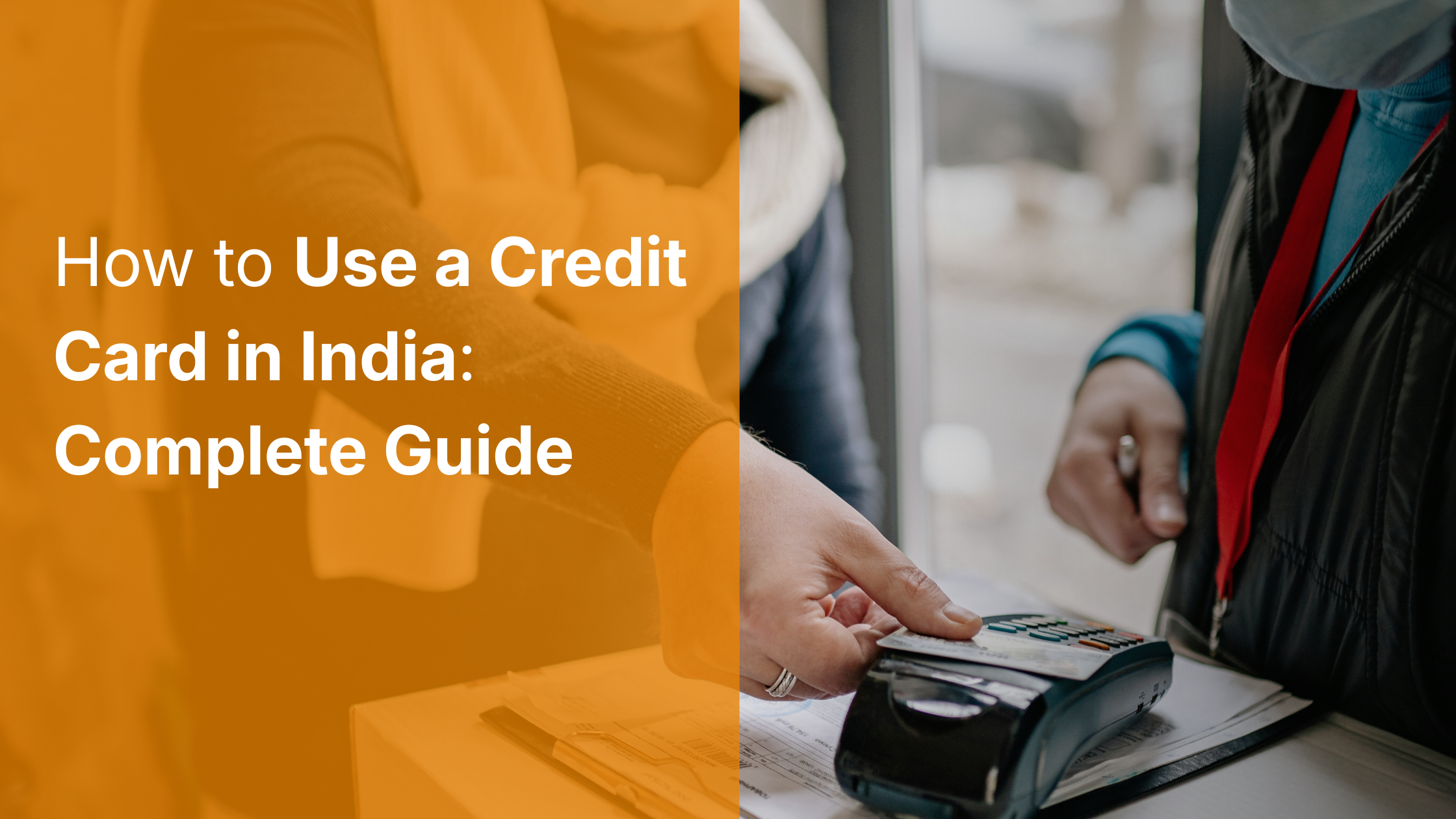
- Contactless (NFC tap-and-pay): Hold your card within 4 cm of the NFC-enabled terminal. For transactions under ₹5,000, the payment processes instantly without requiring a PIN. This is the fastest method and works at most modern POS terminals in India. Look for the contactless symbol on the terminal.
- Chip-and-PIN: Insert the chip end of your card into the terminal slot and enter your 4-digit PIN when prompted. Required for transactions above ₹5,000 and at terminals that do not support contactless. This is the most common method at smaller merchants.
- Magnetic stripe swipe: Some legacy terminals in smaller towns or older establishments only support swiping the card's magnetic stripe. This works on all standard credit cards but provides the weakest fraud protection of the three methods.
Using Your RuPay Credit Card for UPI Payments
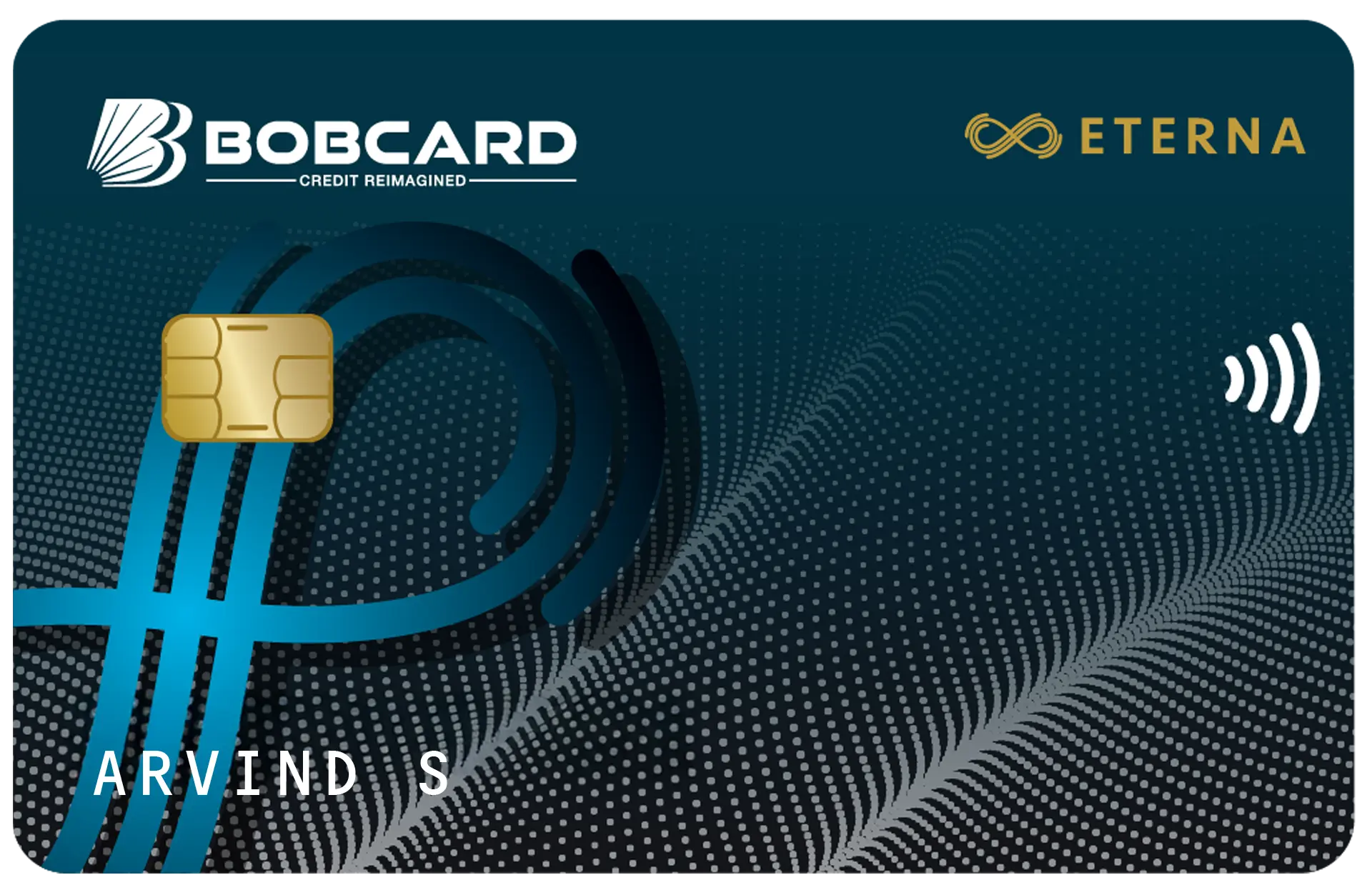
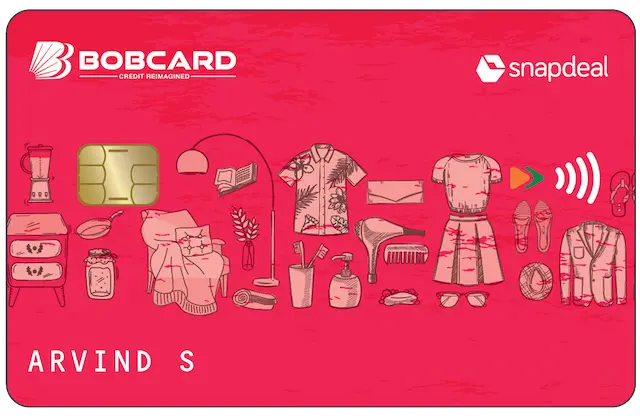
If your BOBCARD is on the RuPay network (Eterna, Premier, Tiara, Snapdeal BOBCARD, Yoddha, Vikram), you have access to one of the most powerful everyday earning features in Indian credit cards: UPI credit card linking.
Since June 2022, RuPay credit cards can be linked to UPI apps and used to pay merchants via QR code scanning - exactly like using UPI with your savings account, but charging to your credit card and earning reward points on the transaction.
Setting up UPI credit card linking on Google Pay: Open Google Pay → Tap your profile photo → Payment methods → Add credit or debit card → Enter your BOBCARD card details → Bank verification → Set UPI PIN (separate from card PIN). Once linked, when you scan any QR code, you can select your BOBCARD as the payment source.
The earning mechanics: UPI transactions via a RuPay credit card earn at the applicable card reward rate. On BOBCARD Eterna, UPI purchases at online merchants categorised under the accelerated categories earn the 3.75% rate. General UPI purchases earn at the base rate. These appear as standard transactions on your monthly credit card statement and are due on the payment due date.
How to Pay Your Credit Card Bill
Paying your credit card bill on time and in full is the single most important habit to develop as a credit card user. BOBCARD offers six payment methods:
- Insta Pay (fastest, recommended): Visit bobcard.co.in/pay-credit-card-bill. Enter your card number and select payment method (net banking, debit card, or UPI). Processing is near-instant and works with any Indian bank account.
- BOBCARD Mobile App: Open the app → Pay Bill → Enter amount → Choose payment method → Confirm. Near-instant processing.
- UPI Apps: Open Google Pay, PhonePe, or Paytm → Pay Bills → Credit Card → Search 'BOBCARD' → Enter card number → Confirm. Near-instant.
- CRED: Add your BOBCARD to the CRED app. CRED tracks due dates, outstanding amounts, and provides payment reminders. Pay directly from the CRED interface. Useful for managing multiple cards from one dashboard.
- Auto Debit (NACH): Set up a standing instruction from your savings account to automatically pay your BOBCARD bill on the due date. Choose 'Full Outstanding Amount' - not minimum due. This is the safest method: zero risk of missing a payment, zero manual effort required.
- NEFT: Transfer from any bank's internet banking. IFSC: BARB0BOBCAR | Account Number: your 16-digit card number | Remark: card number + name. Note: NEFT takes T+1 to T+2 days - pay at least 3 days before the due date.
NEFT payments credited on the due date itself may arrive after the cutoff time. Pay via Insta Pay or UPI apps on the due date to ensure same-day credit.
How to Earn and Maximise Your Rewards
Most credit cards differentiate between accelerated categories (higher earn rate) and a base rate on everything else. Understanding this structure is the key to maximising your monthly rewards without changing your actual spending behaviour.
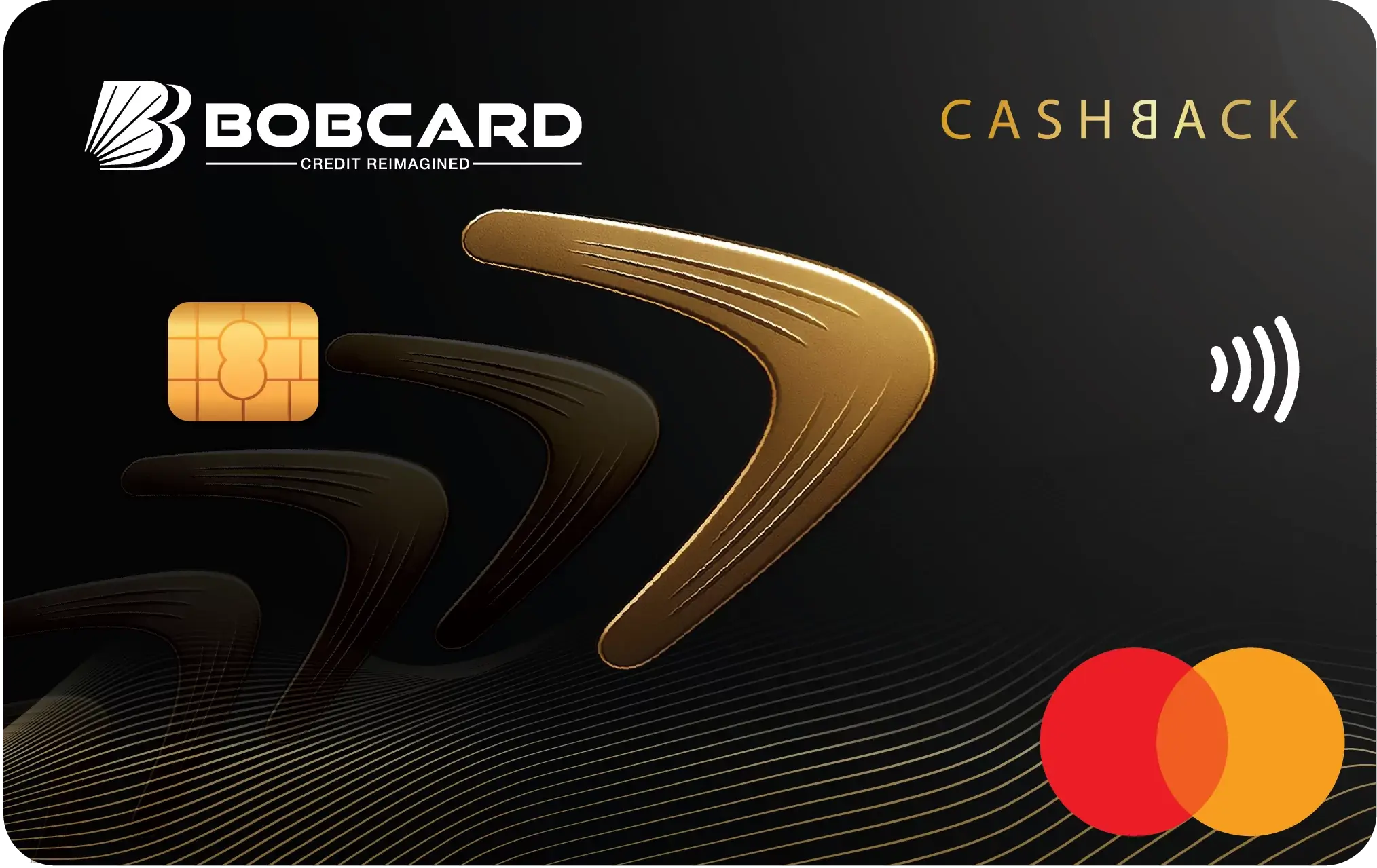
- Know your card's accelerated categories: For BOBCARD Eterna, the 3.75% rate applies to online shopping, dining, travel, and international spends. Route all purchases in these categories exclusively through Eterna. For BOBCARD Cashback, the 5% rate applies to eligible online spends broadly.
- Know the monthly caps: BOBCARD Eterna earns 5X (3.75%) up to 5,000 reward points per billing cycle - equivalent to approximately ₹33,333 in accelerated spend. BOBCARD Cashback caps at ₹1,500 cashback per month (₹30,000 in eligible spend). Once you've hit the cap, additional spend in that category earns at the much lower base rate.
- Know excluded categories: Most cards exclude fuel, rent payments, wallet recharges, insurance premiums, education fees, government payments, and charitable donations from accelerated earning and sometimes from all earning. Spending here earns at base rate or zero.
- Redeem efficiently: BOBCARD reward points are worth ₹0.25 per point as cashback statement credit. 1,000 points = ₹250. Redeem via the BOBCARD app under the Rewards section. Points typically expire after 2–3 years - check your specific card's expiry policy.

Staying Safe: Credit Card Security Best Practices
Credit card fraud in India has grown alongside digital payments adoption. The good news: following a few basic security practices eliminates the vast majority of fraud risk.
- Enable transaction alerts: Set up SMS and email notifications for every card transaction in the BOBCARD app. This gives you real-time visibility into all card activity. A fraudulent transaction will be visible within seconds of occurring, allowing immediate action.
- Never share your OTP: No bank, card company, or payment processor will ever call you and ask for your OTP. OTP requests from phone calls, SMS, or emails from unknown senders are always scam attempts. Your OTP is for you alone.
- Use virtual card numbers for new websites: Generate a single-use virtual card number in the BOBCARD app for transactions on unfamiliar websites. This protects your actual card details from potential data breaches at the merchant's end.
- Enable spending controls in the app: The BOBCARD app allows you to block specific transaction types - online transactions, international transactions, ATM withdrawals - with a single toggle. If you're not travelling internationally, disable international transactions to prevent overseas fraud.
- Report a lost card immediately: Call 1800 103 1002 or use the app's block feature. After reporting, your liability for any subsequent fraudulent transactions drops to zero per RBI guidelines. The inconvenience of getting a replacement card is far less than the potential financial exposure.
Building Good Credit Card Habits from Day One
The difference between a credit card being a powerful financial tool versus an expensive debt trap comes down almost entirely to habits formed in the first six months of card use. These habits, once formed, persist - making the early period the most critical.
Set your payment due date reminder immediately. Know the exact date (not approximately) when payment is due each month. Set three reminders: one week before, three days before, and on the day itself. Over time, this becomes automatic.
Treat your credit card bill like a known monthly expense. The money you spend on your credit card is money you will pay back within 30–50 days. Mentally account for it at the time of spending, not at the time of billing.
Review your statement the day it's generated. This one habit catches fraudulent transactions early, helps you track spending patterns, and ensures you're aware of your upcoming payment obligation.
Use the credit card for planned, budgeted purchases - not impulse purchases you cannot afford. The convenience of deferred payment can encourage spending beyond your means. The 42% annual interest rate is an expensive way to fund impulse purchases.
Frequently Asked Questions
Disclaimer
This article is published by Card24.ai for informational and educational purposes only. The information contained herein is based on publicly available data, product terms, and issuer communications as of May 2026, and is subject to change at any time without notice.
Card24.ai is not affiliated with BOBCARD, Bank of Baroda, or any other financial institution mentioned in this article. This content does not constitute financial advice, investment advice, or a recommendation to apply for any specific credit card or financial product.
Credit card features, annual fees, reward rates, cashback caps, and benefits are subject to change by the issuer at any time. Always verify the current terms and conditions directly with the card issuer at bobcard.co.in or by calling BOBCARD Customer Care at 1800 103 1002 before making any financial decision.
Credit card eligibility is determined by the issuing bank based on your credit score, income, existing liabilities, and other factors. Card24.ai does not guarantee approval for any card discussed on this platform.
Card24.ai may receive referral compensation from card issuers when readers apply for cards through links on our platform. This compensation does not influence our editorial content, rankings, or recommendations. All reviews are independent and based on our own research and analysis.